Games · A game by CUBE4DEV · UNTERNEHMERAVANTGARDE
Minimal Volume
Stack pieces in space, close layers – 21 levels, glowing pieces and twelve light events, free in your browser.
- Free
- No installation
- No sign-up
- Desktop · Gamepad · Phone
01
Light that plays along
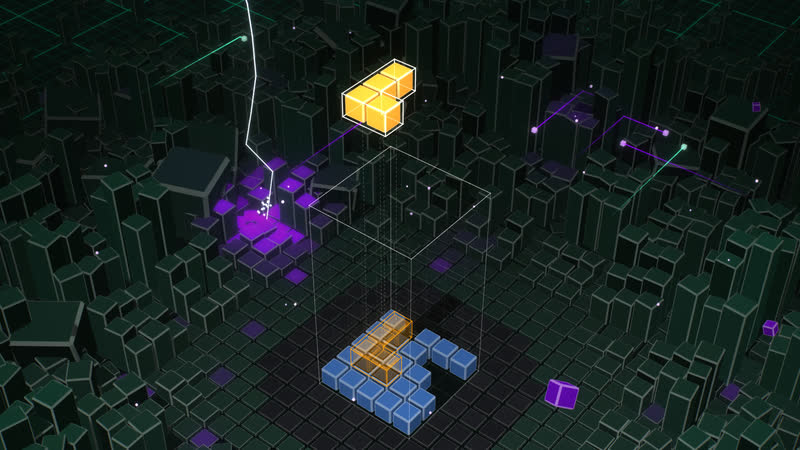
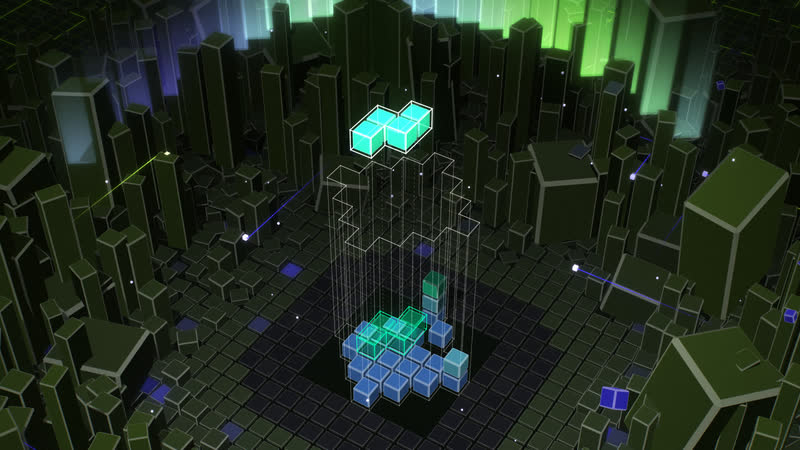
Aurora, fireworks, thunderstorms – something new keeps happening above the volume.
02
Free camera
Drag beside the piece to turn the view – from low angles to straight above.
03
From every side
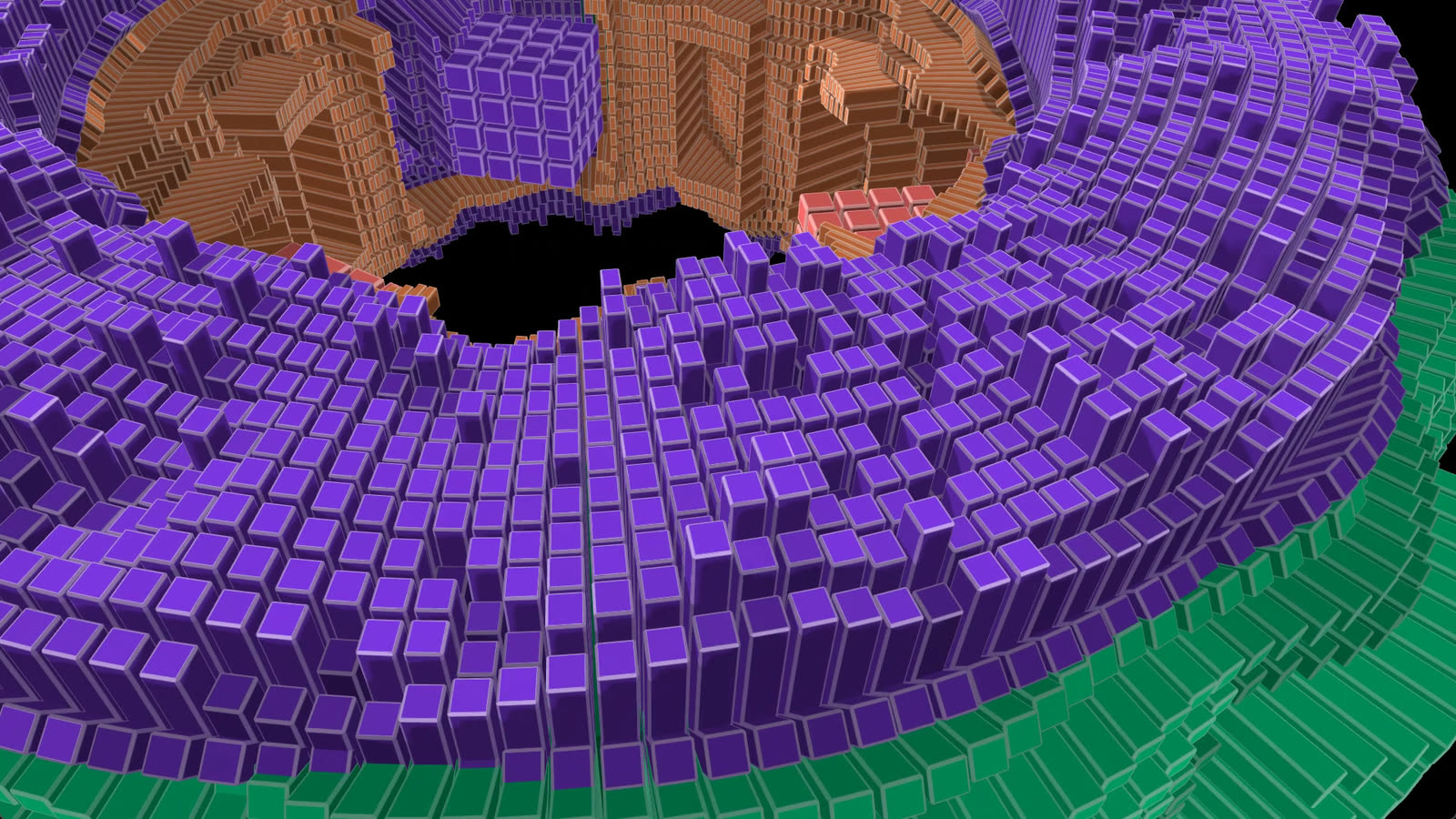
In the Core pieces arrive from six sides, in the Hourglass from top and bottom.
04
One click tips
Click an end – exactly that end tips down. Double-click to turn.
05
Layers dissolve
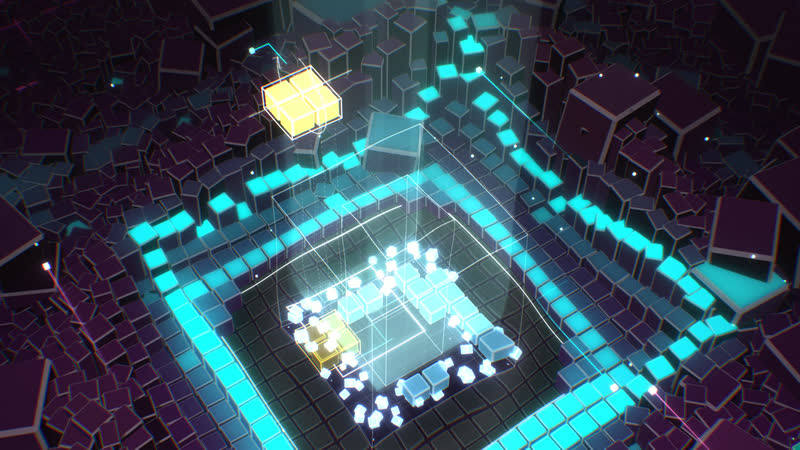
Fill a layer and it bursts into shards – the landscape answers with light.
06
21 levels
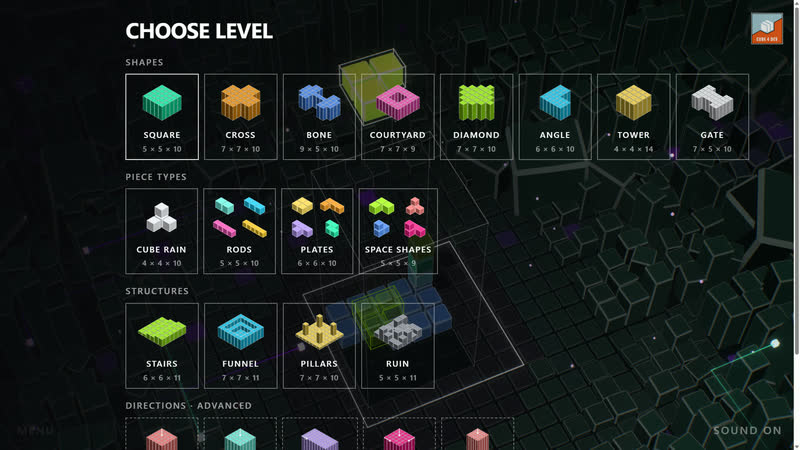
Shapes, piece sets, terrain, directions – from Cube Rain to Ruin.
07
Plays everywhere
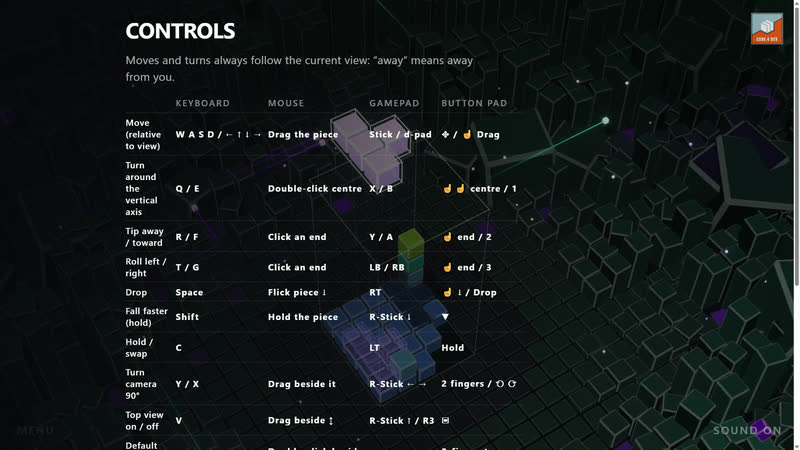
Keyboard, mouse, gamepad or touch – everything right on the playfield.
08
Keys when you need them
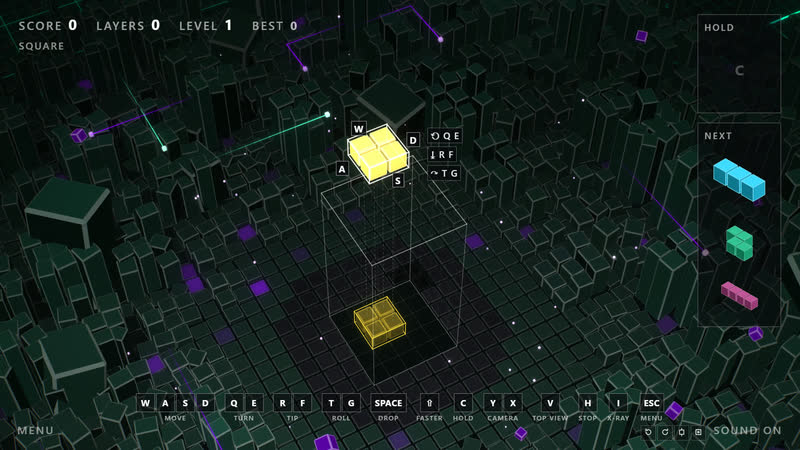
New or stuck? The keys appear. Playing smoothly? A clear view.
Trailer
21 levels
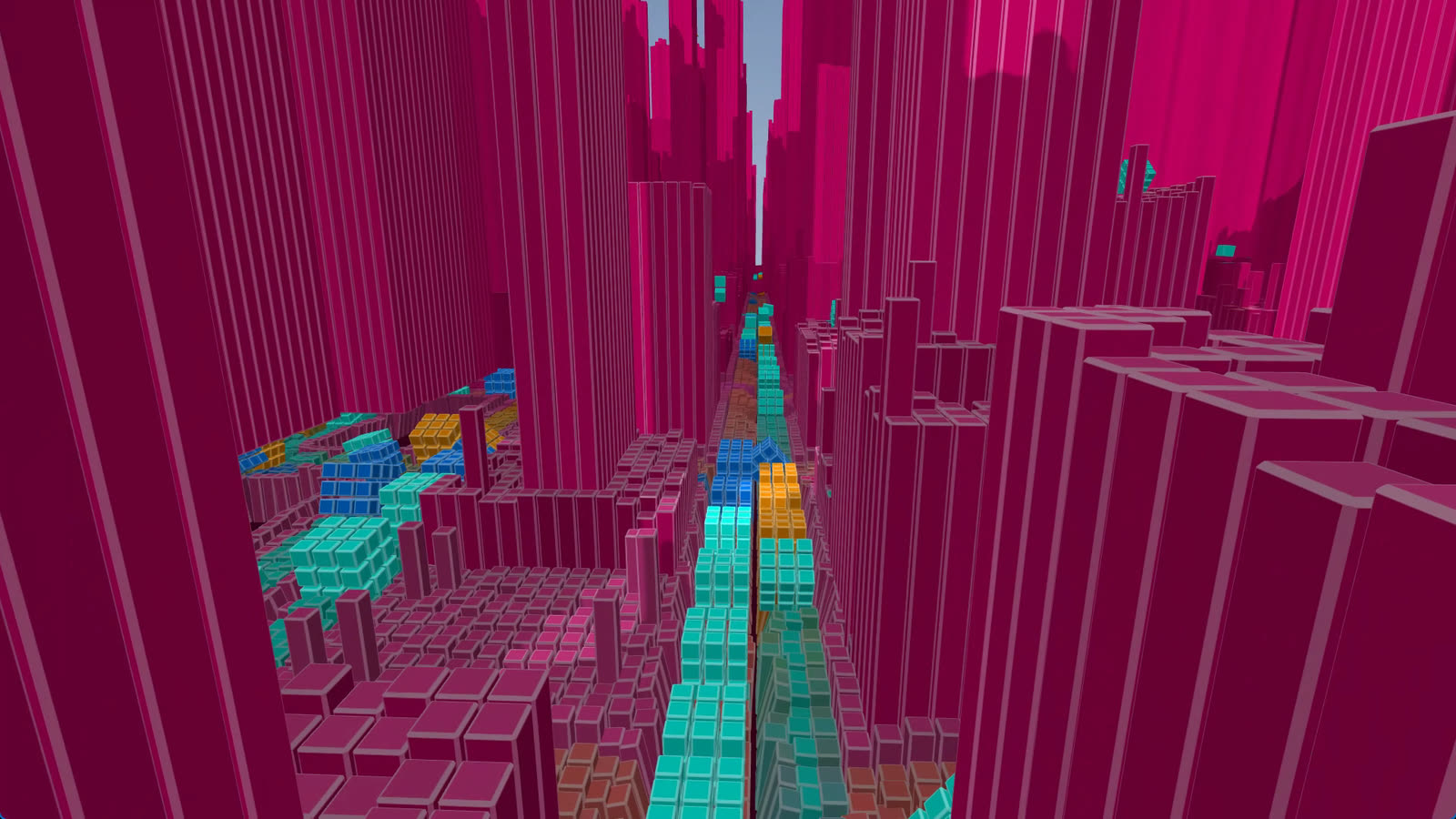
Eight Shapes, four Piece types (Cube Rain, Rods, Plates, Space Shapes), four Structures (Stairs, Funnel, Pillars, Ruin) and five levels from several directions, ending with Hourglass. Between levels the cube landscape transforms.
-
01 Square
-
02 Cross
-
03 Bone
-
04 Courtyard
-
05 Diamond
-
06 Angle
-
07 Tower
-
08 Gate
-
09 Cube Rain
-
10 Rods
-
11 Plates
-
12 Space Shapes
-
13 Stairs
-
14 Funnel
-
15 Pillars
-
16 Ruin
-
17 Two sides
-
18 Corner
-
19 Face to face
-
20 Core
-
21 Hourglass
Plays everywhere
-
Desktop
With the mouse: drag beside the piece to turn the view, drag the piece to move it, click an end to tip it down, double-click the centre to turn it, flick it down to drop. Keys: WASD, Q/E, R/F, T/G and Space – a bar at the bottom shows every key.
-
Gamepad
Stick or D-pad to move, X/B, Y/A and LB/RB to turn. RT drops, LT holds, the right stick moves the camera – up for top view, down for faster. View stops the piece, L3 switches the X-ray.
-
Phone
Tap an end to tip it, double-tap the centre to turn, drag the piece to guide it, swipe down to drop, two fingers turn the view. “Direct” adds big arrows for moving and a bar with turn pairs, hold, stop and drop. Prefer buttons? Choose “Controller” or “Button pad”.
Minimal Volume…
More +−
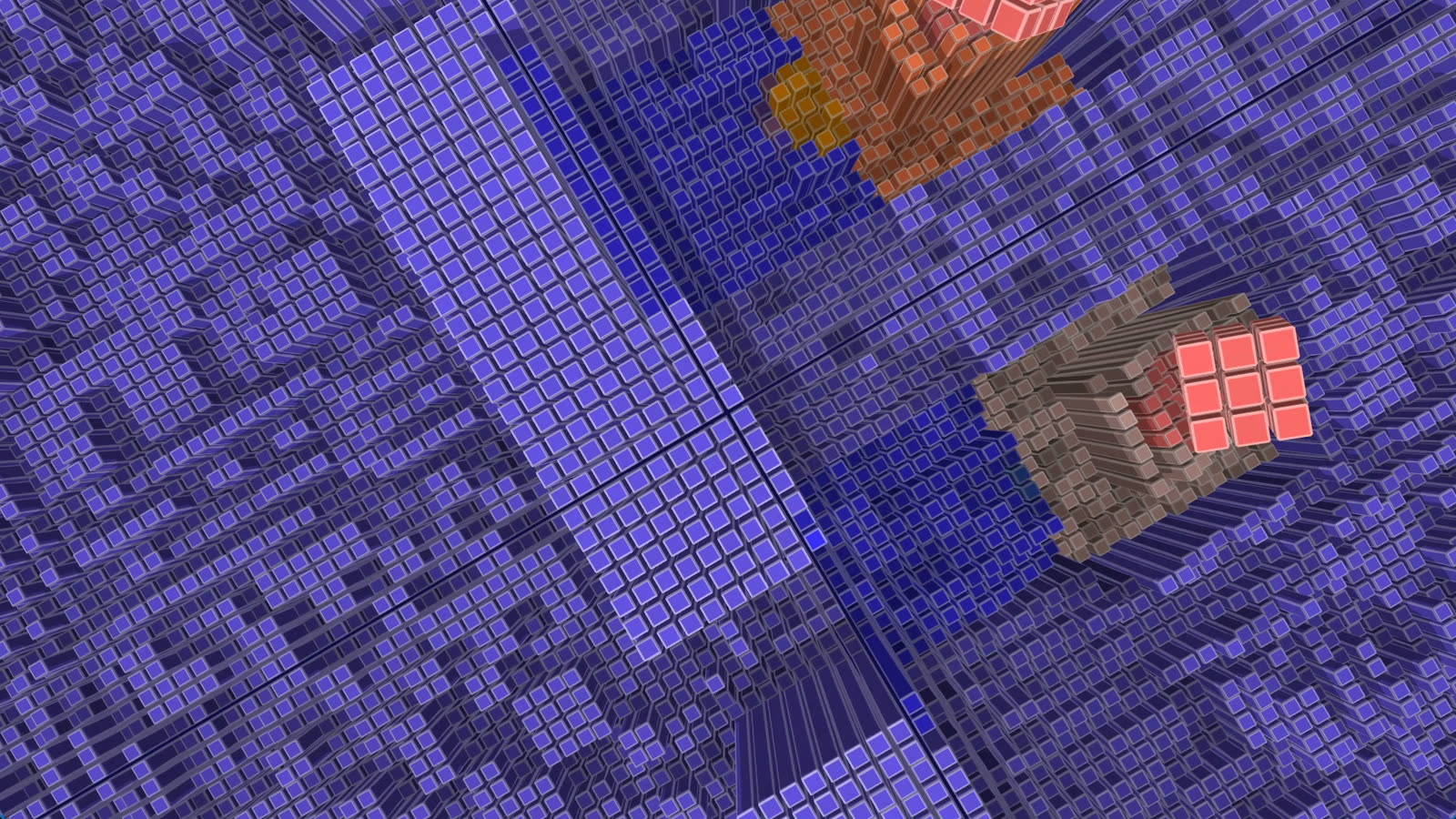
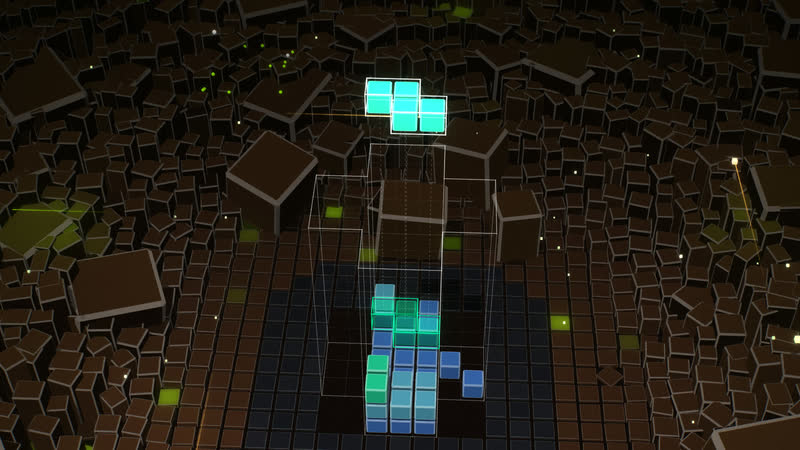
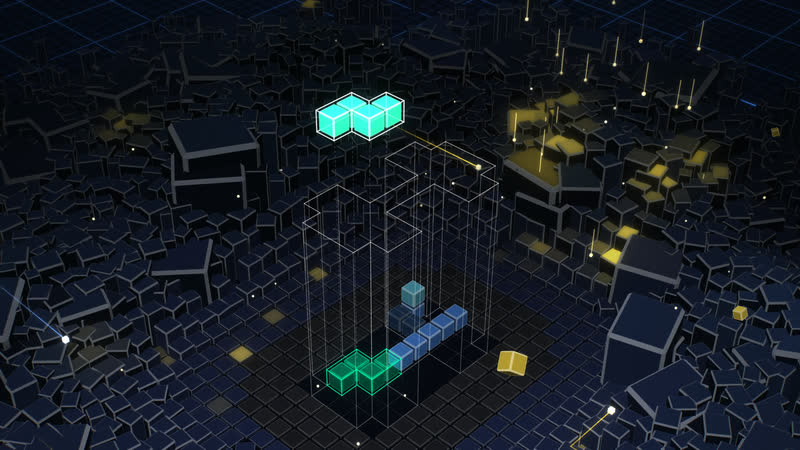
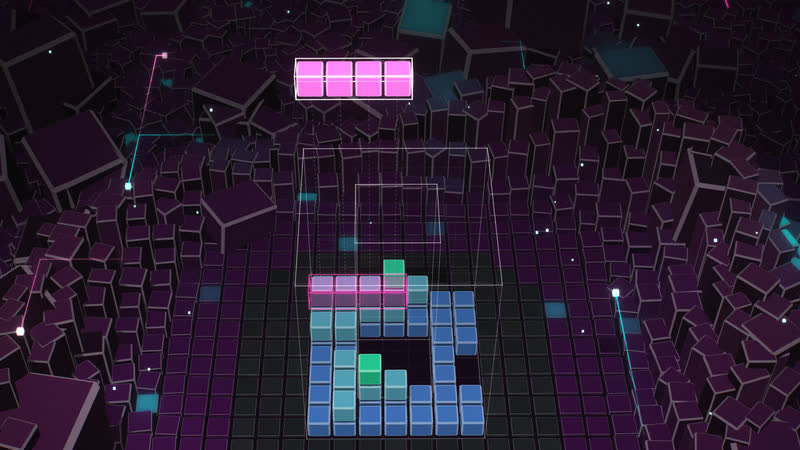
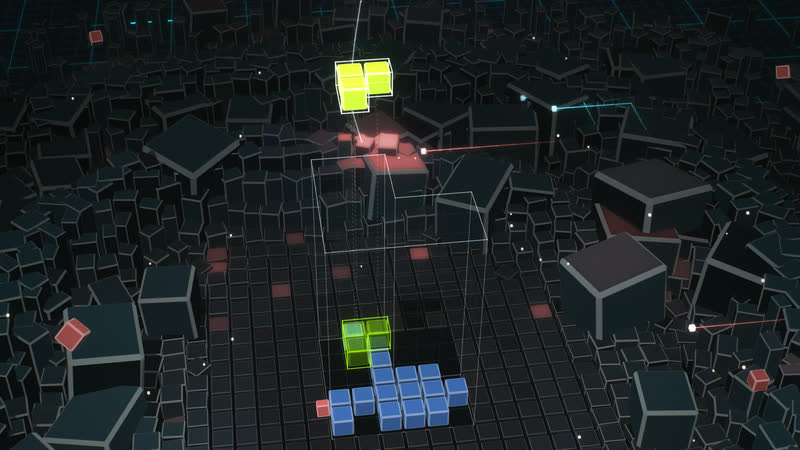
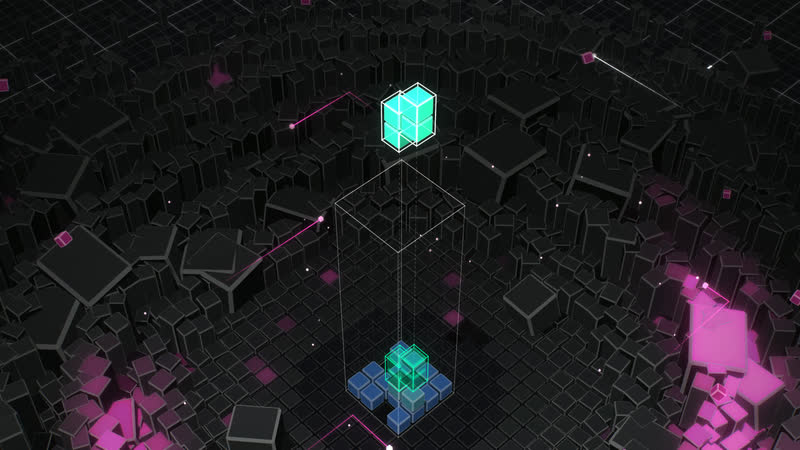
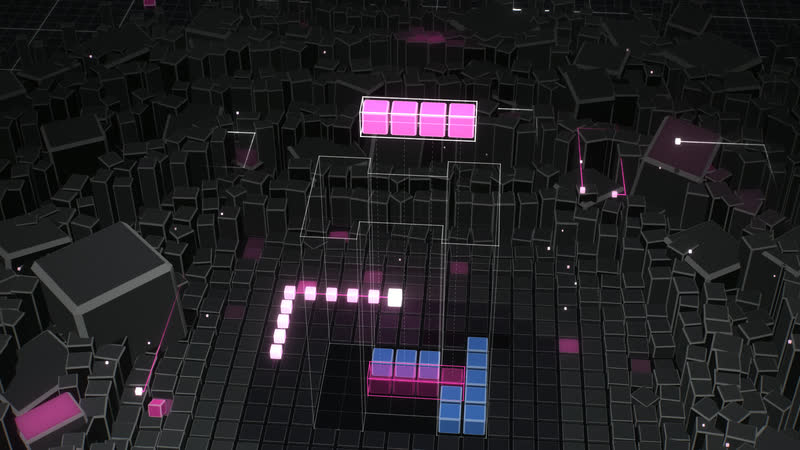
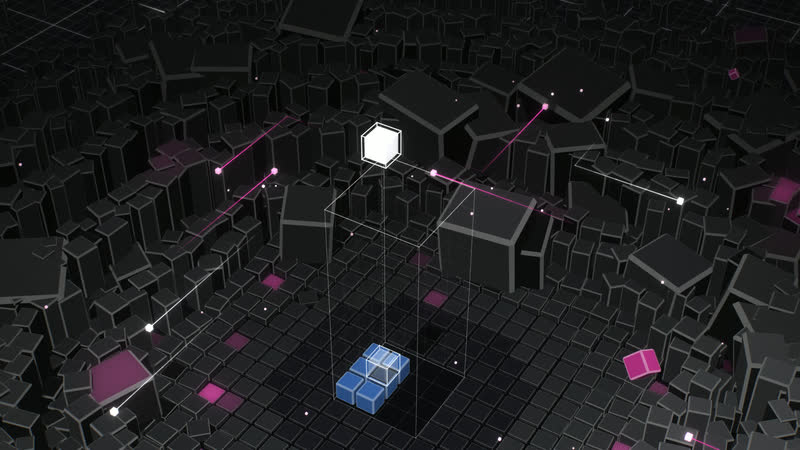
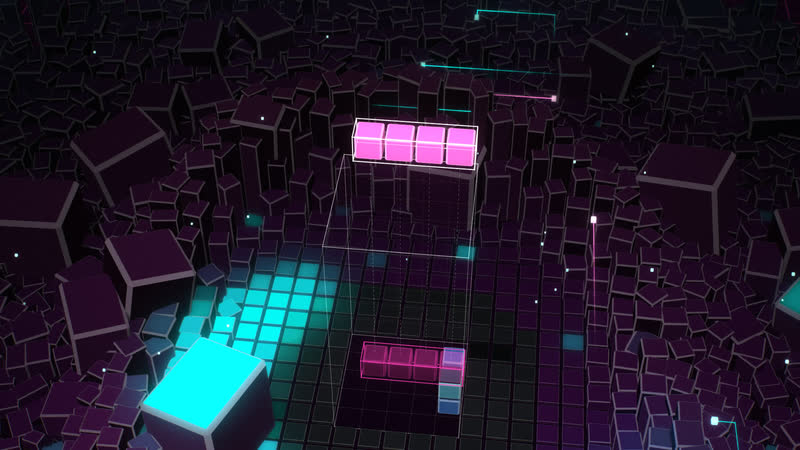
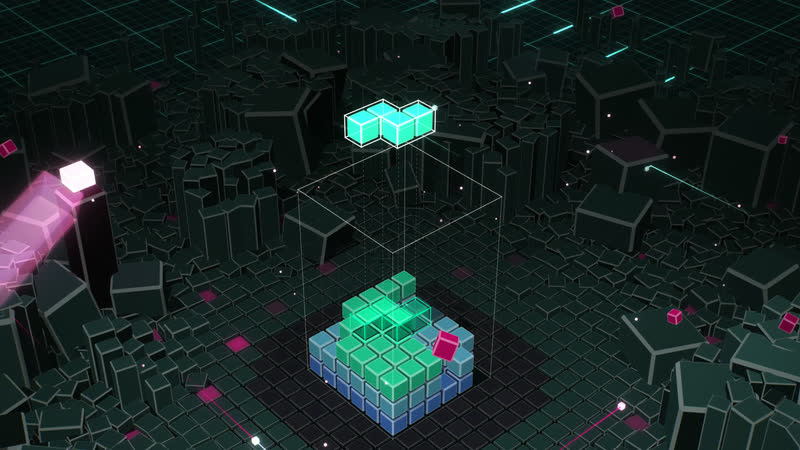
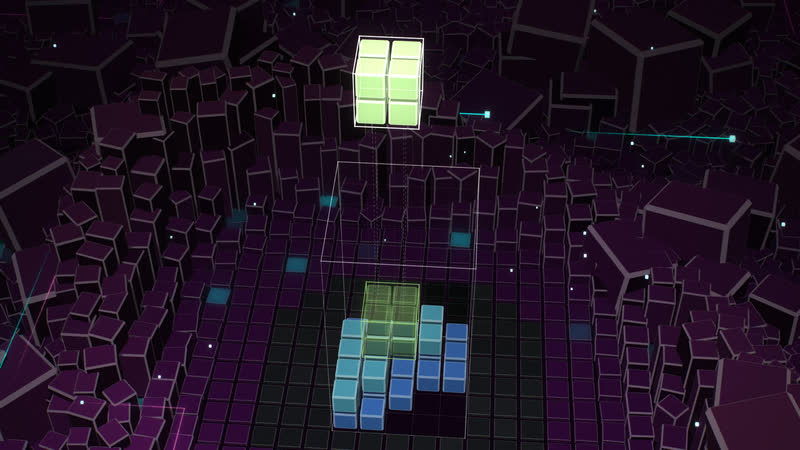
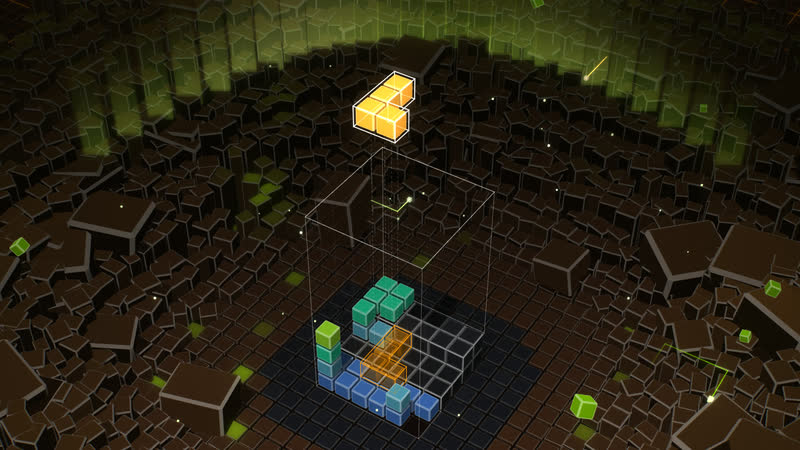
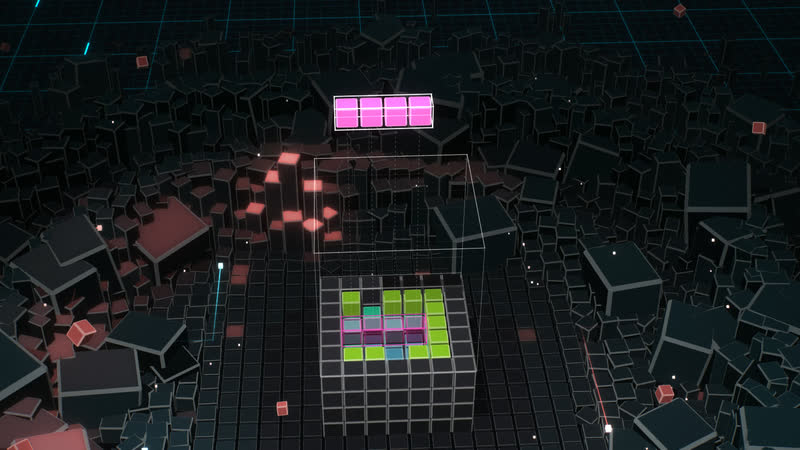
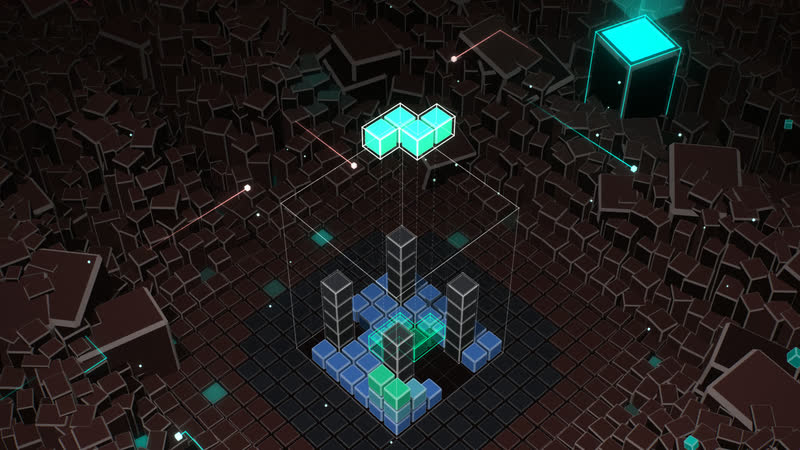
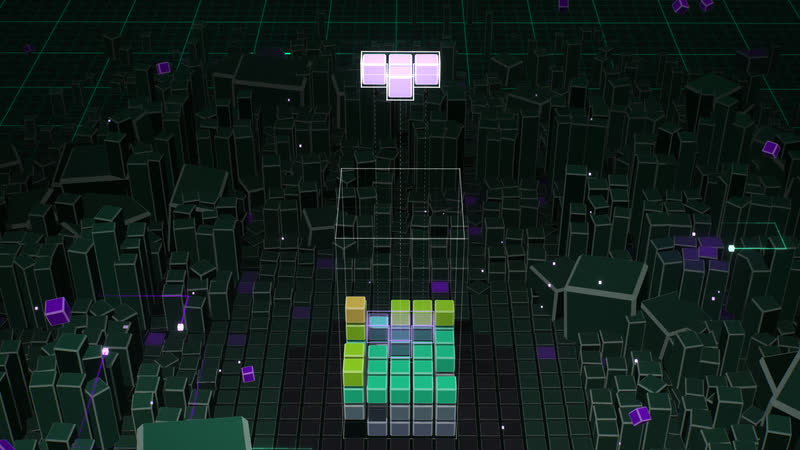
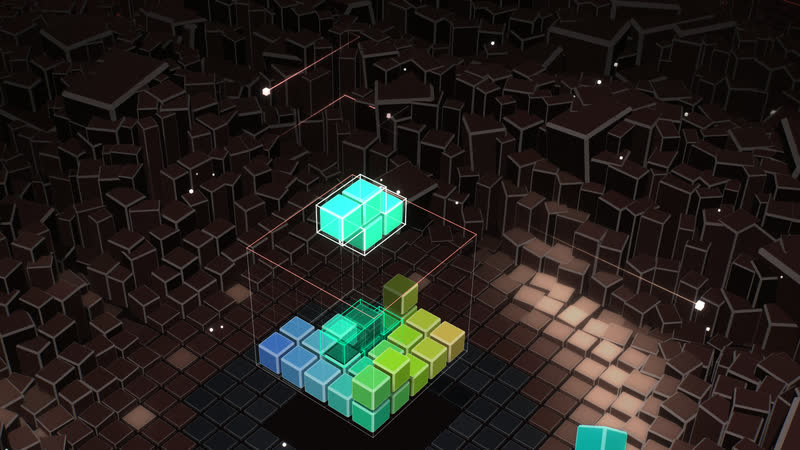
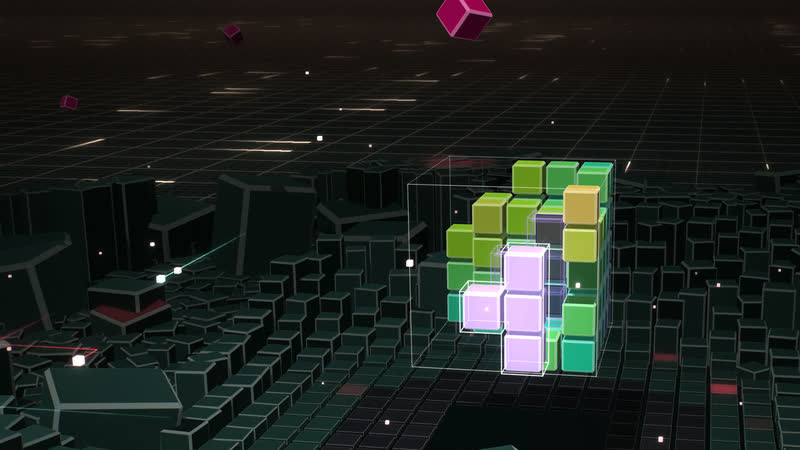
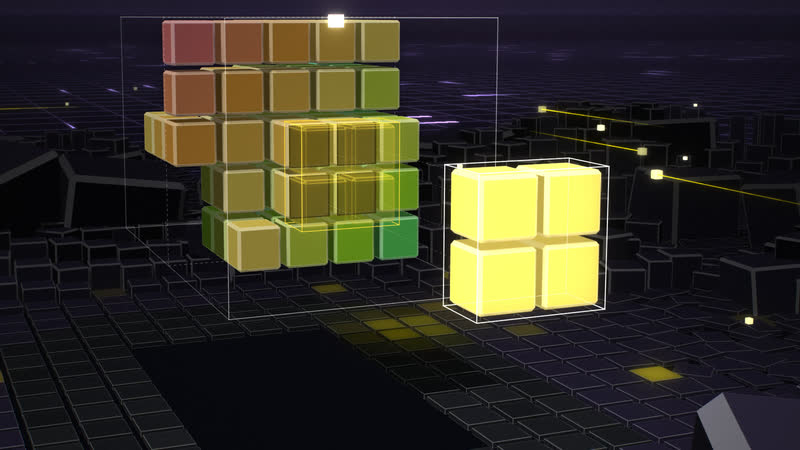
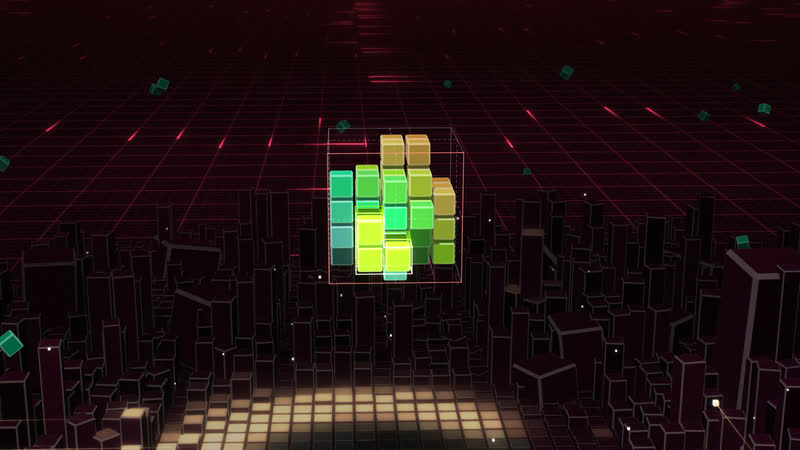
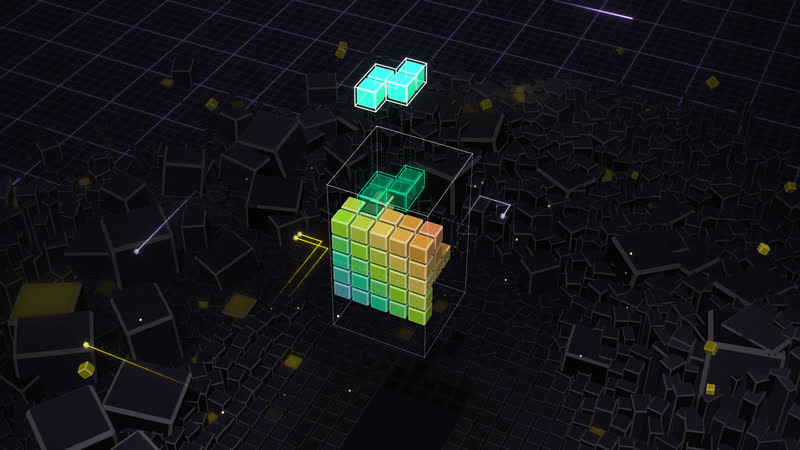
The pieces don’t fall into a well but into a volume: you turn, tip and roll them on three axes and close whole layers. Each piece appears well above the volume, leaving time to turn it; with “Stop” it waits until you drop it. The keys are shown right at the piece, and the X-ray marks hidden gaps in red. All around, the light is alive: the falling piece glows in its colour and tints the stack beneath it, the lamps on the columns answer the music, a light grid stretches to the horizon. When a piece locks, a wave runs across the square; when a layer fills, a column of light rises and a shock wave passes through the image. And again and again one of twelve events appears: shooting stars, searchlights, fireworks, a thunderstorm, a light train circling the square, columns jumping like dominoes, northern lights or a lighthouse.
21 levels in four groups: eight Shapes from Square to Gate; Piece types with Cube Rain, Rods, Plates and Space Shapes, where only certain pieces come – seven new ones among them, from the single cube to the big cube; Structures with Stairs, Funnel, Pillars and a Ruin you clear first; and five levels from several directions – in Core from all six, in Hourglass from above and below. Every level runs endlessly, plus puzzles and a tutorial. Minimal Volume runs in real time right in your browser: no download, no app, no sign-up.
How to play
More +−
- Close layers: a full layer disappears.
- Moves and turns always follow the current view.
- “Approach”: new pieces appear well above the volume, leaving time to turn and line them up – 50 % or 30 % of the height in the settings.
- “Stop” halts the piece: it waits until you drop it – key H, View on the gamepad or the button in the bar.
- The keys are shown right at the piece.
- The piece is the handle, the free space is the camera: a ring with a curved arrow or a turn arrow “2×” over the piece shows what a click does; double-click beside it or a 2-finger tap: default view.
- X-ray marks hidden gaps in red, the top view looks from above.
- Hold keeps a piece for later.
- Endless: every four layers the level goes up and pieces fall faster; spatial shapes join from level 2 – except in Piece types, which only use their own pieces.
- “Light & effects”: Full, Calm or Off. If the image gets too slow, the game switches once to a lighter display.
- Your best scores stay on your device – per level, with 30 % approach in a separate list.
Minimal Volume
Stack pieces in space, close layers – 21 levels, glowing pieces and twelve light events, free in your browser.
cube4tec.de/spiele/minimal-volume/