
Simulation · Minimal Organization · City, health, knowledge, construction
City administration
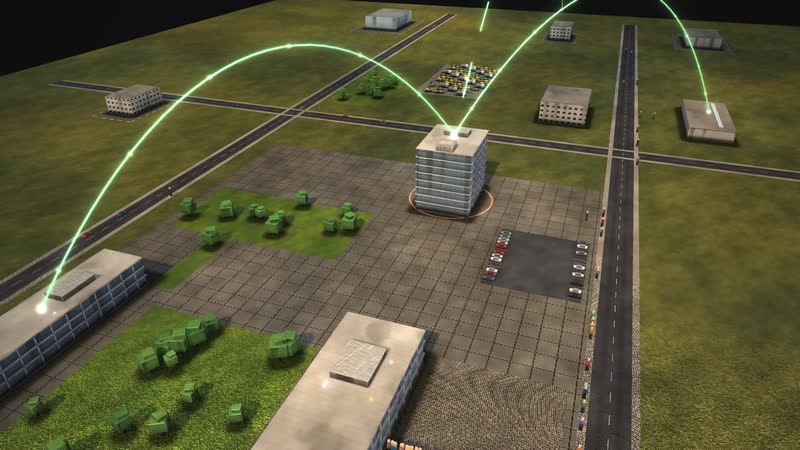
A large city's administration as a walkable model: see how a building application moves through the departments, how council and committees meet and where people queue at the counter.
Trailer
STADT WESTERBRÜCK is invented and its deadlines are simplified. With your administration's data the model shows what sits in specialist systems today – such as application backlogs and processing times per permit type, or waiting times and bookings at the citizens' office.
How does a building permit application move through a planning department? This building permit process simulation shows it at STADT WESTERBRÜCK, a fictional city administration. The council decides in meetings, the administration prepares and executes – and at the counter the city waits.
The path of an application: an architect submits plans for an apartment building online, building control checks completeness, planning, fire service and civil engineering comment at the same time, heritage, environment and neighbours respond within the deadline, building control decides and the city treasury issues the fee notice. Target in the model: decided within six weeks.
With parallel consultation and a digital file, every department sees the application at once; vacant posts in building control stretch everything. Alongside run a council decision on a new day-care centre, the citizens' office and a zoning plan. Building code deadlines are simplified. The page is for the executive board, heads of department, HR and training, digital teams and the council.
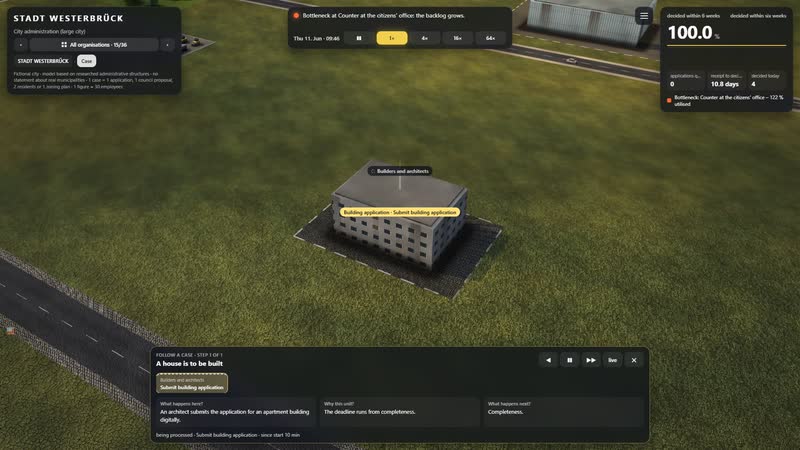
A house is to be built
- 01
Submit building application: An architect submits the application for an apartment building digitally.
- 02
Completeness check: Building control checks whether everything is there.
- 03
Builder provides documents: The builder provides documents.
- 04
Planning, fire service and civil engineering comment at the same time.
- 05
Opinion urban planning: Does the house fit the zoning plan?
- 06
Opinion fire safety: The fire service checks escape routes.
- 07
Opinion civil engineering: Civil engineering checks access and drainage.
- 08
First opinions in.
- 09
Opinions under way (deadline): Heritage, environment and neighbours respond within the deadline.
- 10
Building control decides: Building control weighs up and writes the decision.
- 11
Refused.
- 12
Fee notice: Fee notice and permit go out.
- 13
Neighbour sues: A neighbour sues at the administrative court.
- 14
Approved.
01
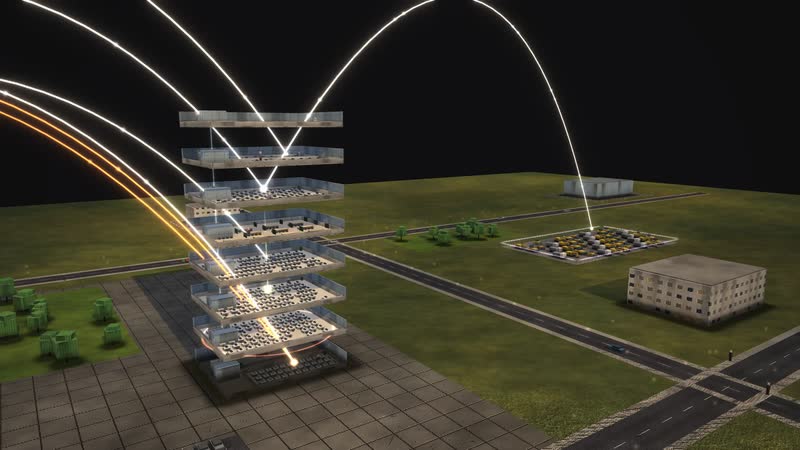
A site at work
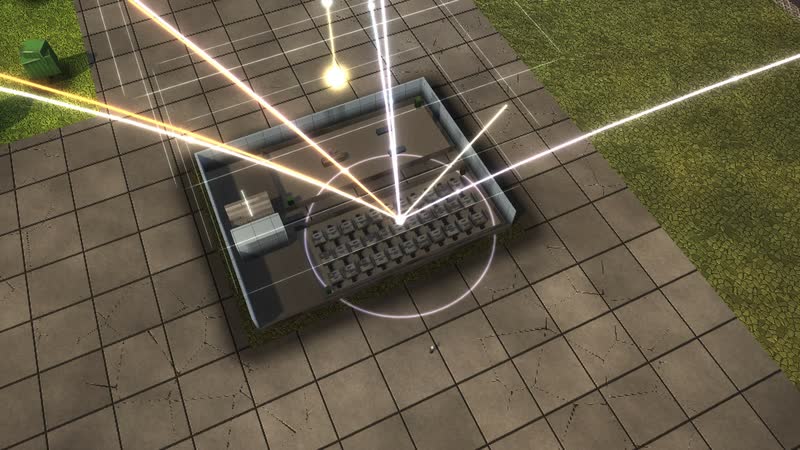
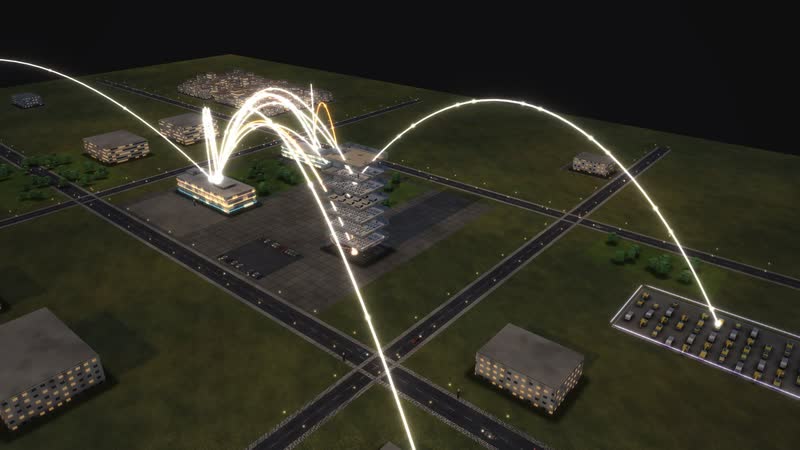
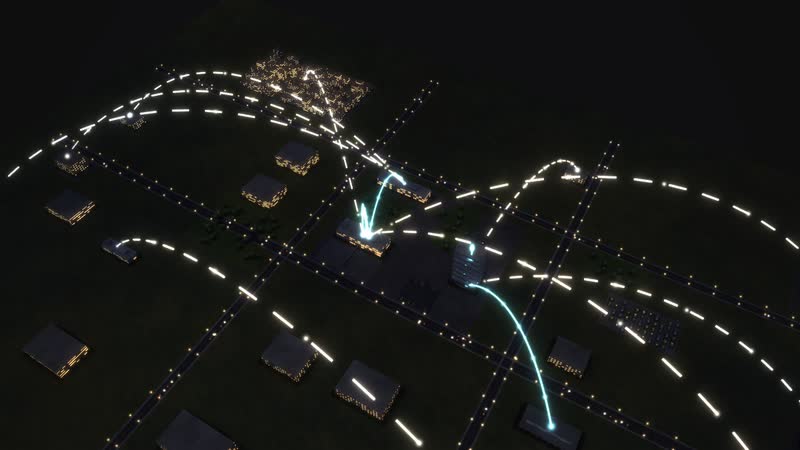
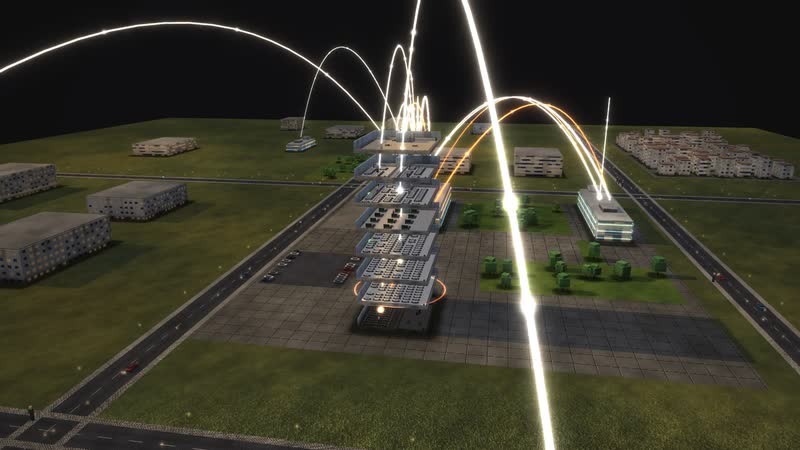
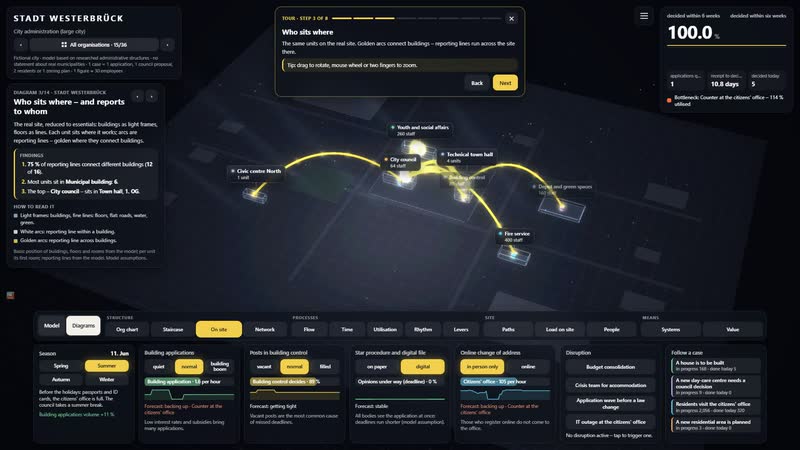
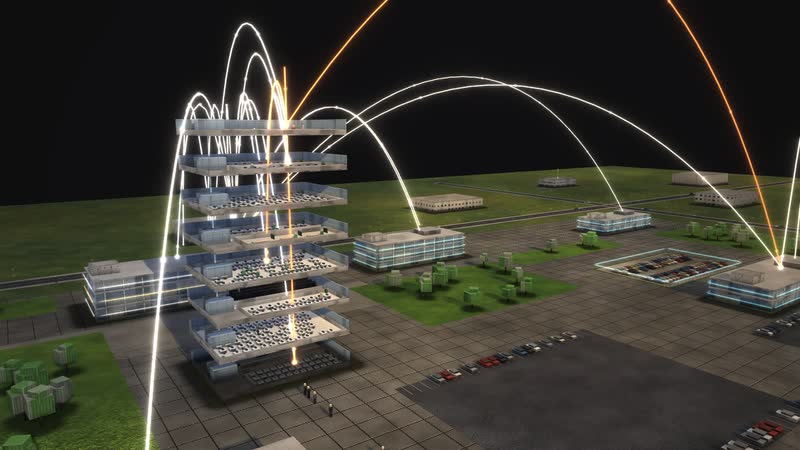
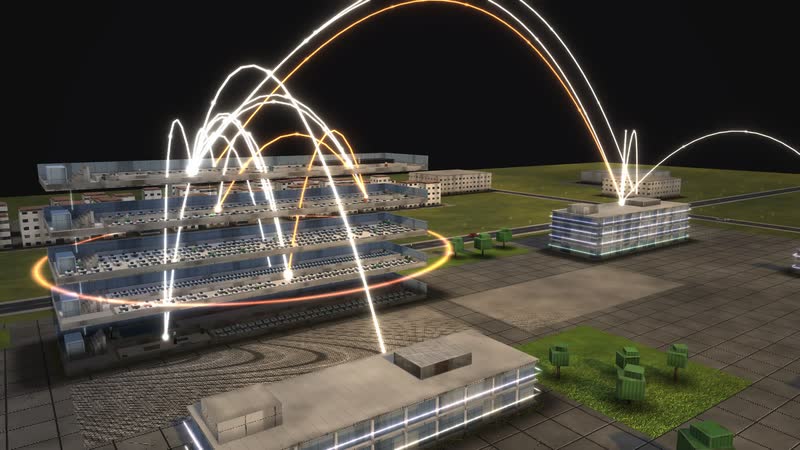
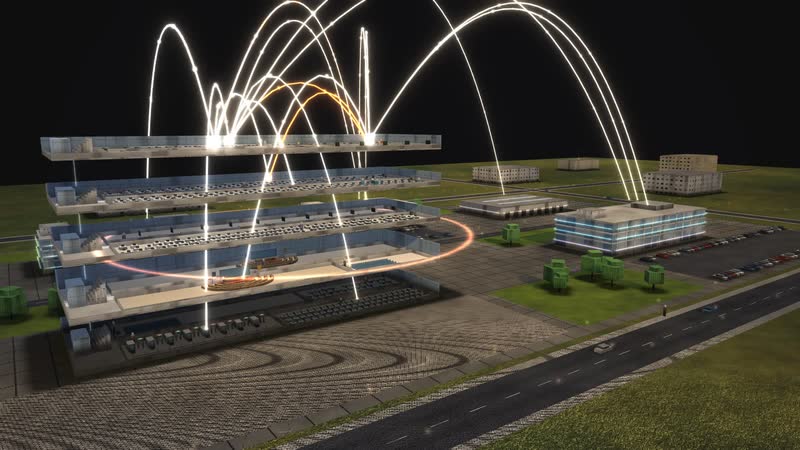
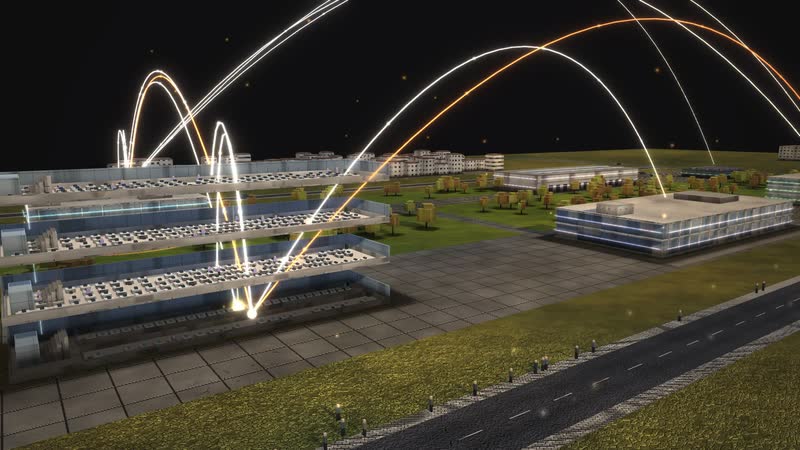
6 buildings, 18 departments, about 1,700 staff: in the evening light golden arcs show who reports to whom.
02
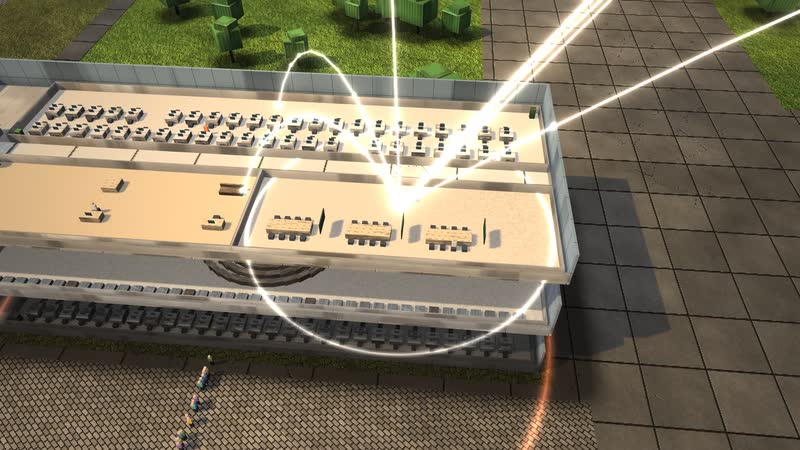
Every floor opened up
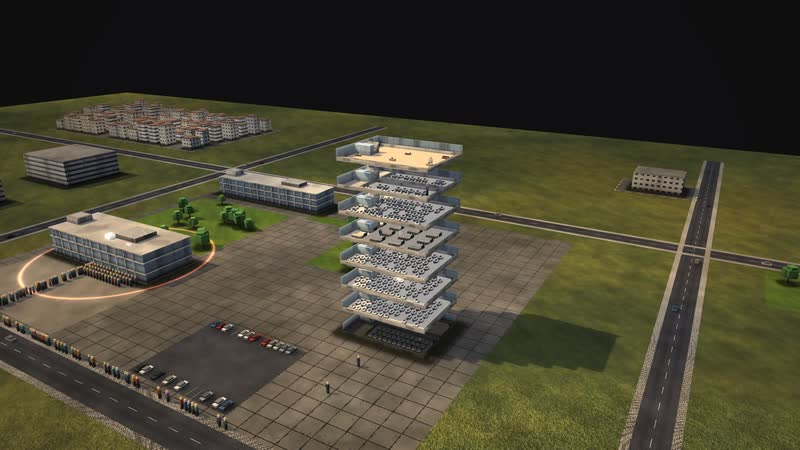
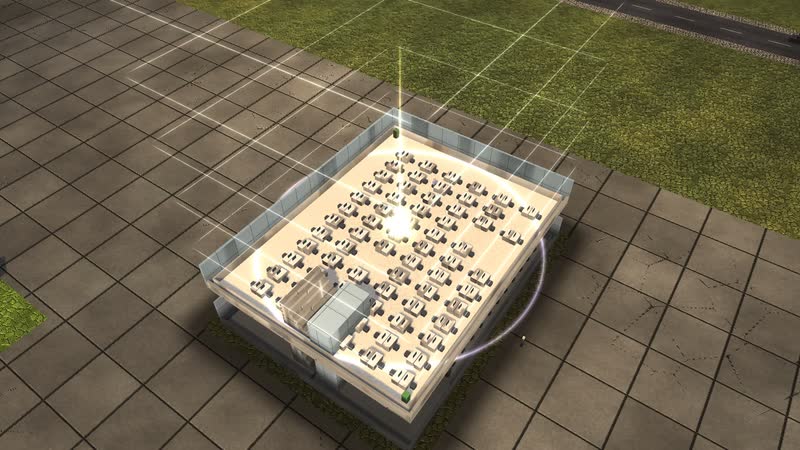
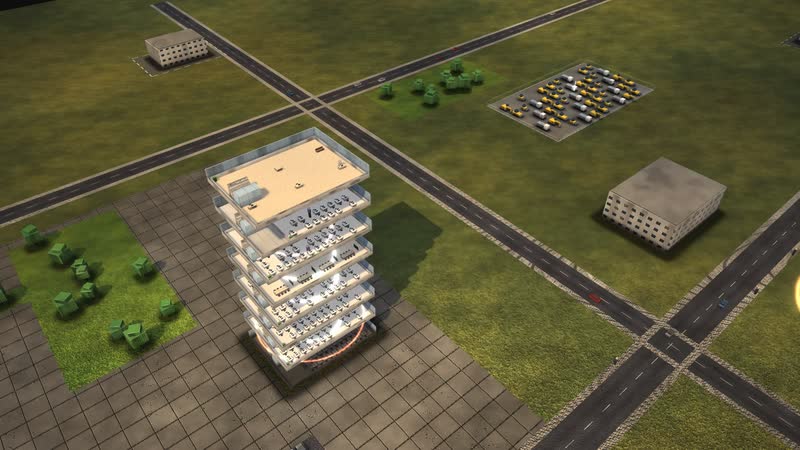
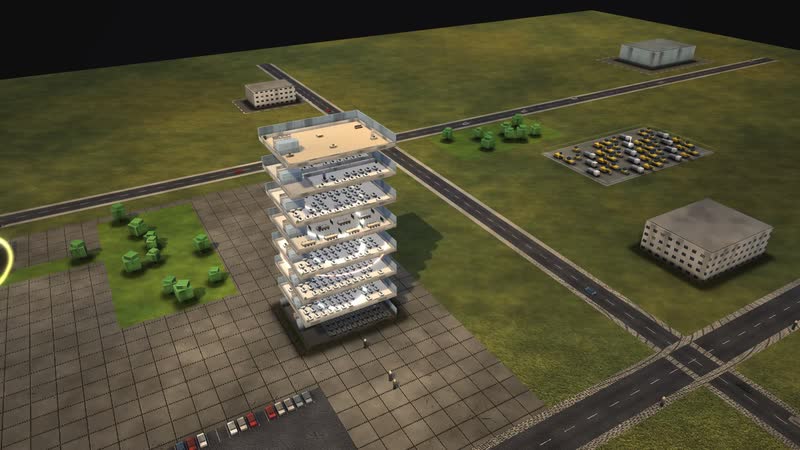
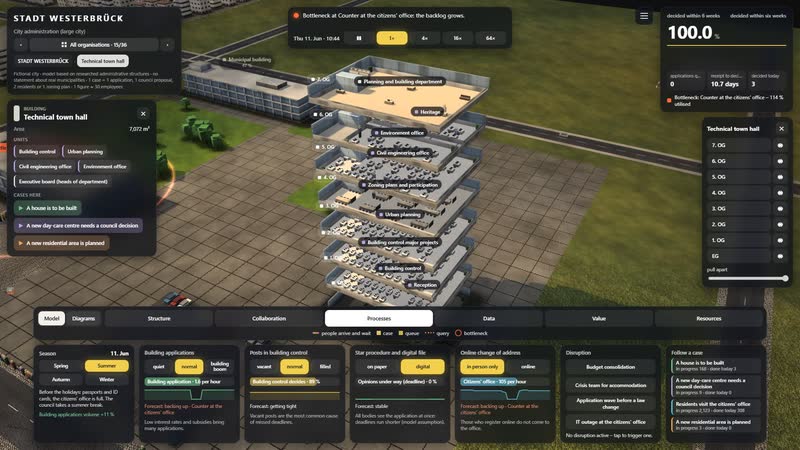
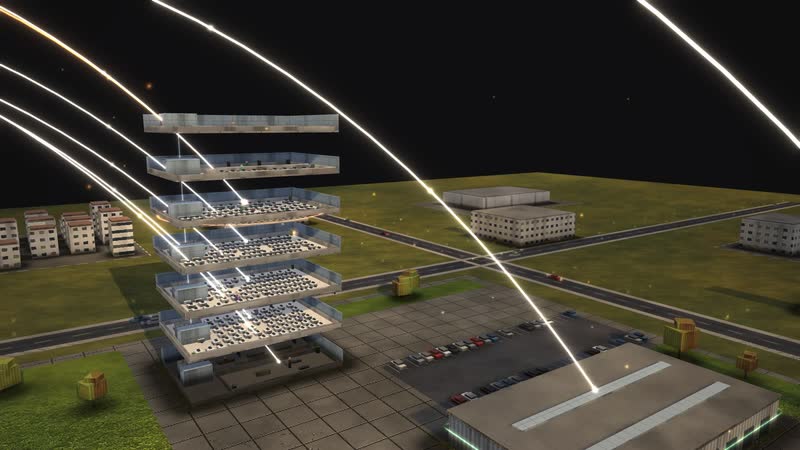
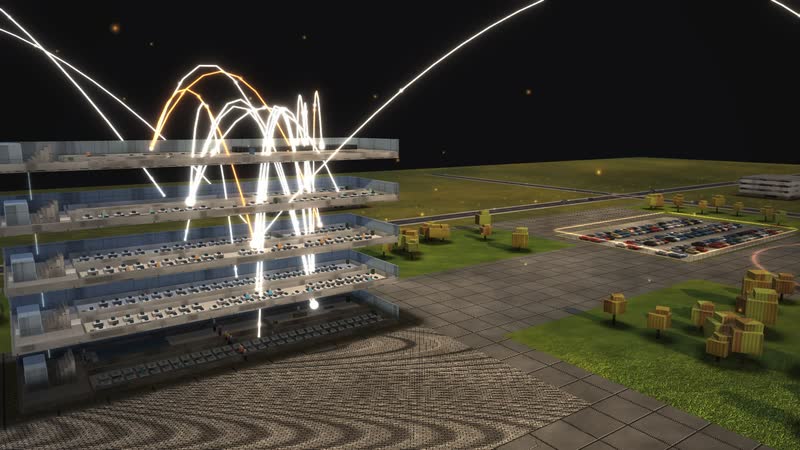
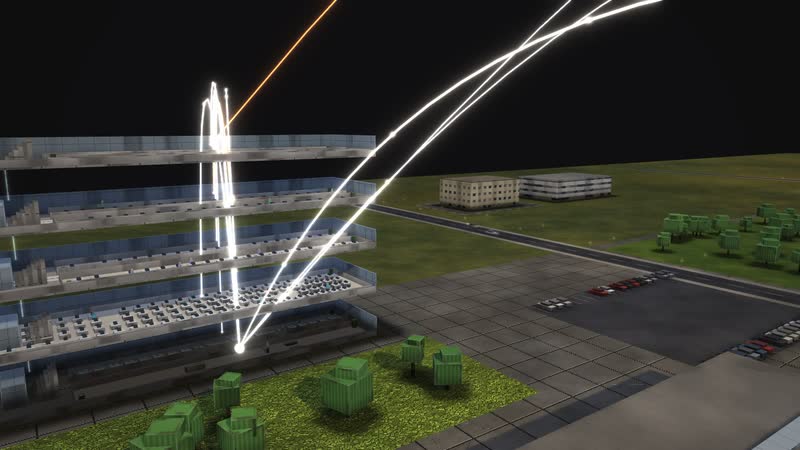
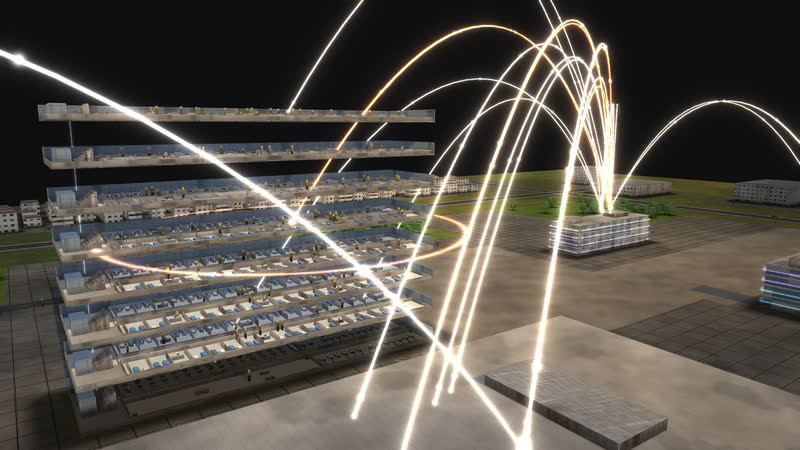
Every building can be opened, floor by floor – right into single rooms such as ‘Executive board (heads of department)’, with workplaces and people at work.
What is shown – why – for whom
| What is shown | Why | For whom |
|---|---|---|
| Diagram ‘What each control does’: parallel consultation, building control posts, online change of address | Whyshows which reform brings most | For whomExecutive board, council |
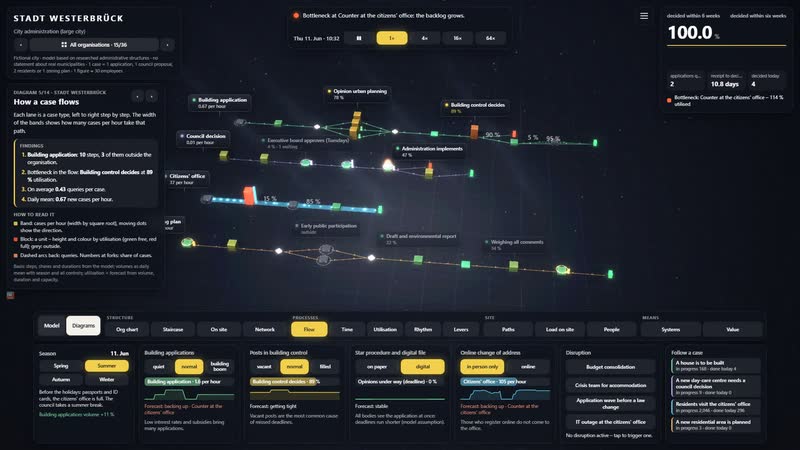
| Diagram ‘How a case flows’: building application to the specialist departments | Whyshows consultations and requests for further documents | For whomBuilding control, builders |
| Diagram ‘Year, week, day’: committee and council meetings | Whyexplains the meeting cycle behind political decisions | For whomCouncil, residents |
| Diagram ‘Where the site gets tight’: citizens' office | Whyshows the queue at the counter | For whomCitizens' services, digital team |
| Diagram ‘Who leads whom’: council, mayor, departments | Whyshows politics and administration in one picture | For whomTraining, residents |
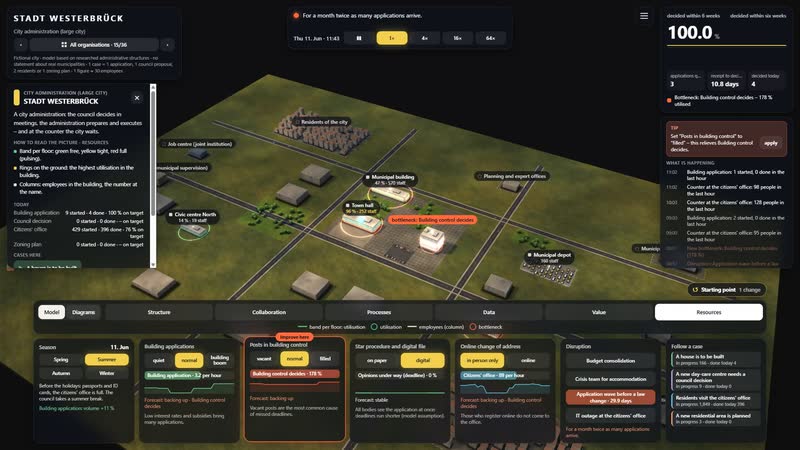
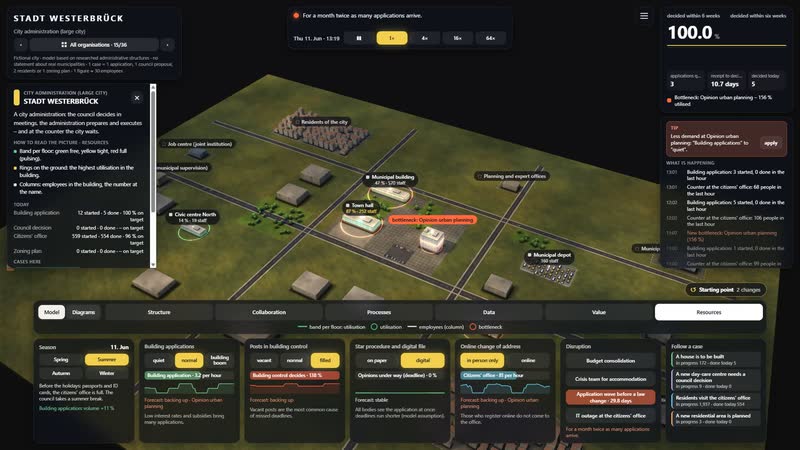
| Resources view over the technical town hall | Whyshows the backlog in building control | For whomPlanning and building directorate |
| Disruption ‘Crisis team for accommodation’ | Whyshows what is left undone when staff are pulled away | For whomExecutive board, staff council |
03
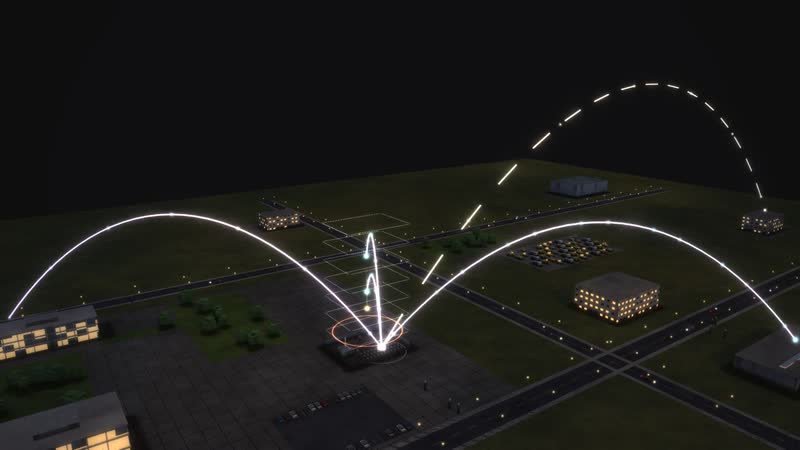
Who works with whom
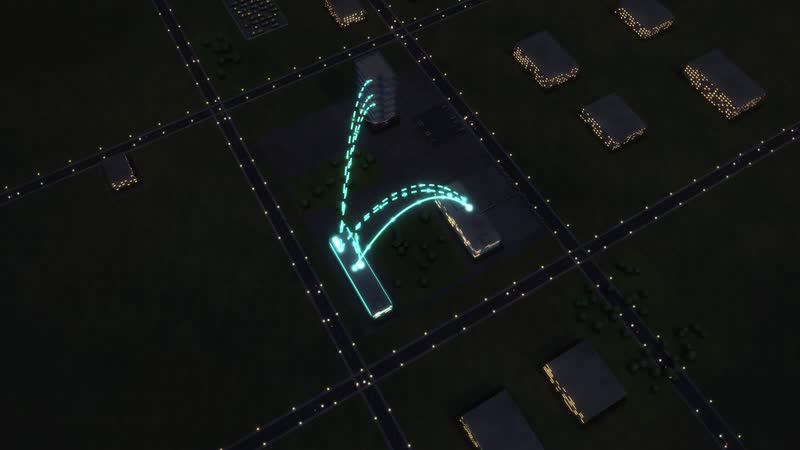
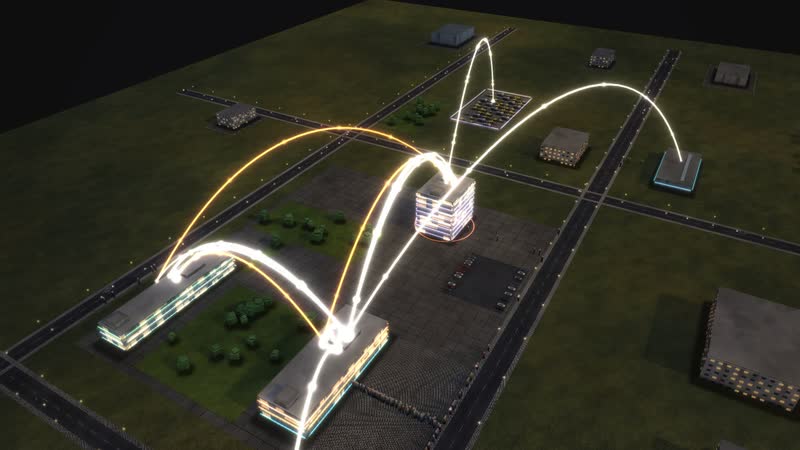
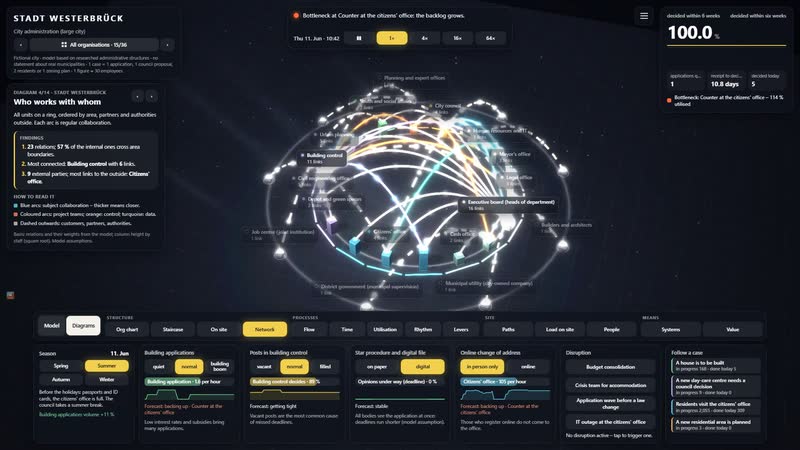
‘Building control’ with all 6 relations: Urban planning, Fire service, Civil engineering office, Audit office and Legal office – and outside Builders and architects.
04
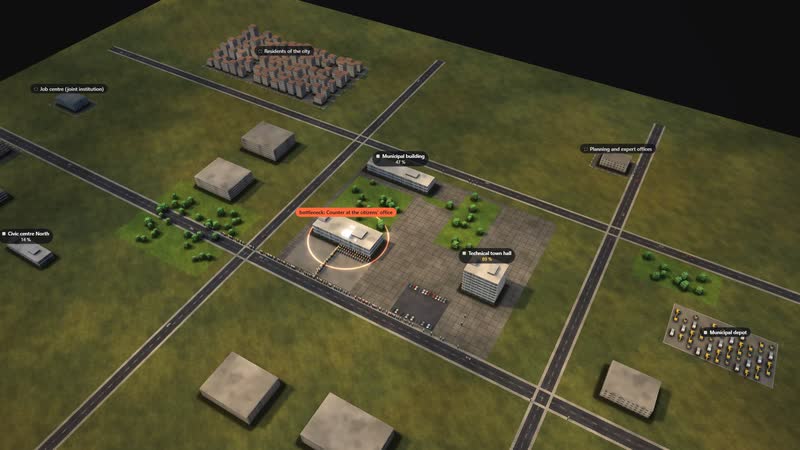
A house is to be built
A single case can be followed – step by step, with the waiting time at every station. Target: decided within six weeks.
Films from the model
-
The tower opens up
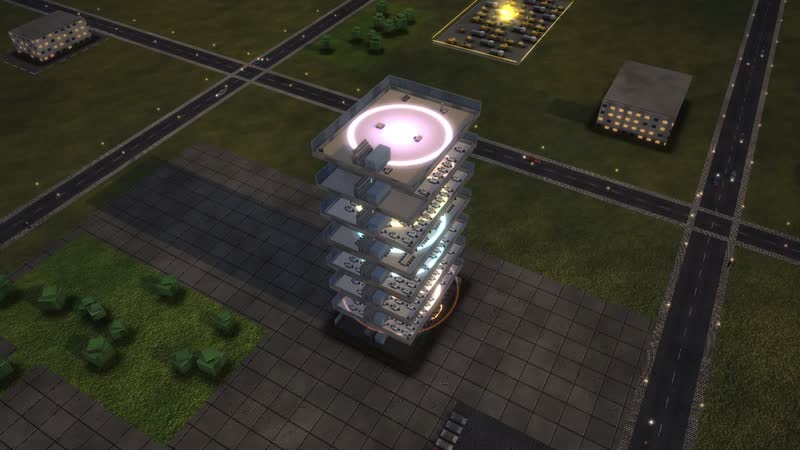
Just before sunset the floors drift apart – ‘Technical town hall’ opens up as the camera rises and circles the building until night falls.
-
Who reports to whom, who works with whom
Blue hour above the site: first the golden arcs of the structure, then the collaboration of the most connected department, finally the whole building.
-
A day in time-lapse
From ten in the morning to midnight in 26 seconds: the sun moves, the windows light up, at night the data lines glow.
-
Surge and system outage
In time-lapse: ‘Application wave before a law change’ brings more work, then ‘IT outage at the citizens' office’ – the data arcs turn red. The control ‘Posts in building control’ set to ‘filled’ brings recovery.
-
Seven diagrams
Calculated live from the model: ‘Who works with whom’, ‘Year, week, day’, ‘Management levels as a staircase’, ‘How a case flows’, ‘What each control does’, ‘What the work depends on’, ‘Where it gets tight’.
-
Using the software
With the full interface: open a building, a department’s relations, ‘Application wave before a law change’, a control, diagrams with their panel, one case.
Departments in the model
-
City council
Elected; decides budget, bylaws, zoning plans.
-
District council
Decides on district matters.
-
Mayor's office
Directly elected head of the administration; prepares and executes decisions.
-
Executive board (heads of department)
Elected by the council, leads the departments.
-
Audit office
Assigned to the council and independent.
-
Treasury
Budget, co-signs every proposal with costs.
-
Cash office
Fees and payments.
-
Citizens' office
Registration, IDs, certificates.
-
Public order office
Trade, traffic, events.
-
Fire service
Fire and rescue; checks fire safety in applications.
-
Building control
Checks applications and decides within statutory deadlines.
-
Urban planning
Zoning plans, opinions on applications.
-
Civil engineering office
Roads, utilities, opinions.
-
Environment office
Noise, soil, species protection.
-
Depot and green spaces
Clears, mows, repairs.
-
Youth and social affairs
Day care, youth welfare, social benefits.
-
Human resources and IT
Posts, specialist systems, online services.
-
Legal office
Objections, lawsuits, bylaws.
05
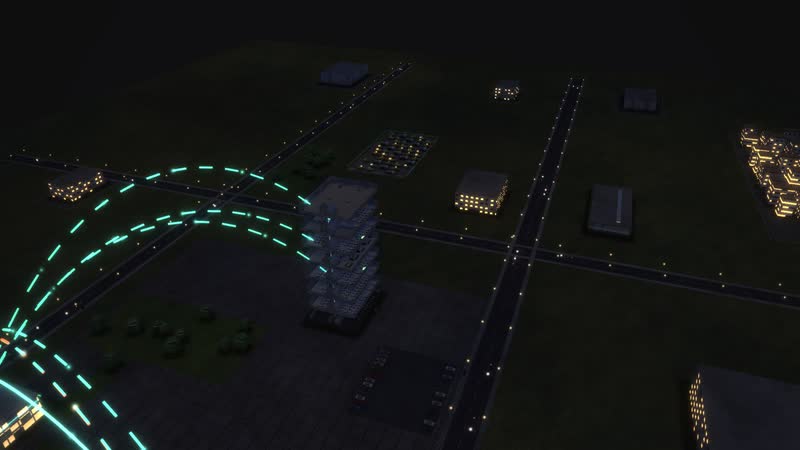
IT outage at the citizens' office
The data arcs turn red and work stalls – the simulation shows where cases pile up and how long recovery takes.
06
A day in 26 seconds
From ten in the morning to midnight in time-lapse: commuters, moving light, windows switching on – and at night the data lines.
All processes in the model
A house is to be built
- 01Submit building application: An architect submits the application for an apartment building digitally.
- 02Completeness check: Building control checks whether everything is there.
- 03Builder provides documents: The builder provides documents.
- 04Planning, fire service and civil engineering comment at the same time.
- 05Opinion urban planning: Does the house fit the zoning plan?
- 06Opinion fire safety: The fire service checks escape routes.
- 07Opinion civil engineering: Civil engineering checks access and drainage.
- 08First opinions in.
- 09Opinions under way (deadline): Heritage, environment and neighbours respond within the deadline.
- 10Building control decides: Building control weighs up and writes the decision.
- 11Refused.
- 12Fee notice: Fee notice and permit go out.
- 13Neighbour sues: A neighbour sues at the administrative court.
- 14Approved.
A new day-care centre needs a council decision
- 01Department drafts the proposal: The youth office drafts a proposal for a new day-care centre – with costs.
- 02Treasury and legal co-sign: Treasury and legal office co-sign.
- 03Executive board approves (Tuesdays): The executive board approves the proposal – it meets on Tuesdays.
- 04Committee deliberates (every four weeks): The committee deliberates and recommends.
- 05Council decides (every six weeks): The council decides by majority.
- 06Rejected.
- 07Administration implements: The administration implements: tender, construction, staff.
- 08Implemented.
Residents visit the citizens' office
- 01Take a number: Two residents take a number: change of address and new ID.
- 02Counter at the citizens' office: At the counter: register, certify, apply.
- 03ID card is produced: The ID card is produced centrally.
- 04Collect ID card: Collection at the civic centre.
- 05Done.
A new residential area is planned
- 01Council decides (every six weeks): The council decides to draw up a zoning plan.
- 02Planning drafts the preliminary plan: Planning draws a preliminary draft.
- 03Early participation and studies run in parallel.
- 04Early public participation: Public meeting and first comments.
- 05Studies: noise, traffic, species: Offices study noise, traffic and species.
- 06Everything is in.
- 07Draft and environmental report: Draft with environmental report.
- 08Publication for one month: The draft is published for a month, also online.
- 09Weighing all comments: The administration weighs all comments.
- 10Again: Council decides (every six weeks): The council adopts the bylaw; with publication the plan is in force.
- 11In force.
How a city administration can use the model
-
Internal communication
Town hall, technical town hall, municipal offices, civic centre, fire station and depot on one site. Departments see how an application travels between them and who comments when.
For whomExecutive board, heads of department, staff council
-
Onboarding
‘Who leads whom’ shows council, mayor and departments in a single picture; new staff then follow a building application through the offices.
For whomNew staff, career changers, first-year managers
-
Training
Civil service trainees switch between paper and digital files, trigger an application wave or the accommodation crisis team, and see what gets left undone.
For whomPublic administration trainees, work-study students
-
Explaining to citizens
Builders and residents see what happens to their application: completeness, consultation, deadline, decision. ‘Year, week, day’ explains why a council decision takes months.
For whomBuilding control, citizens' office, press office, residents
-
Strategic overview
Parallel consultation, filled posts in building control and online change of address side by side. ‘What each control does’ shows which reform brings most – before the council decides.
For whomExecutive board, council, organisational development
07
Diagrams from the model
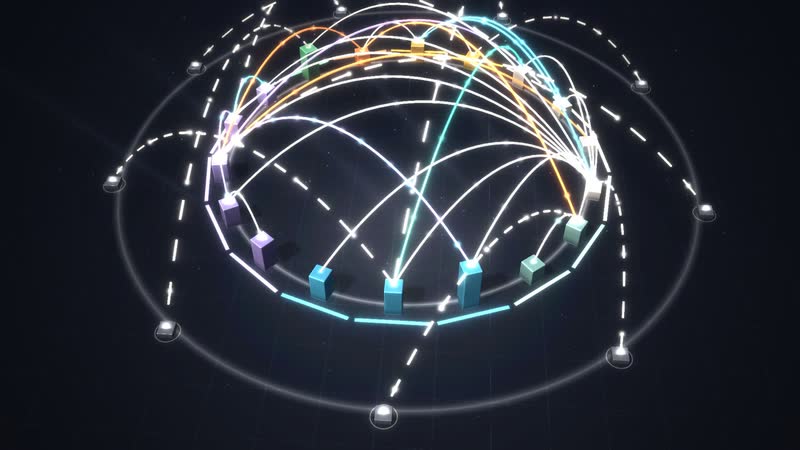
‘Who works with whom’ as a dome of arcs – one of 14 diagrams calculated live from the same data.
08
The whole software
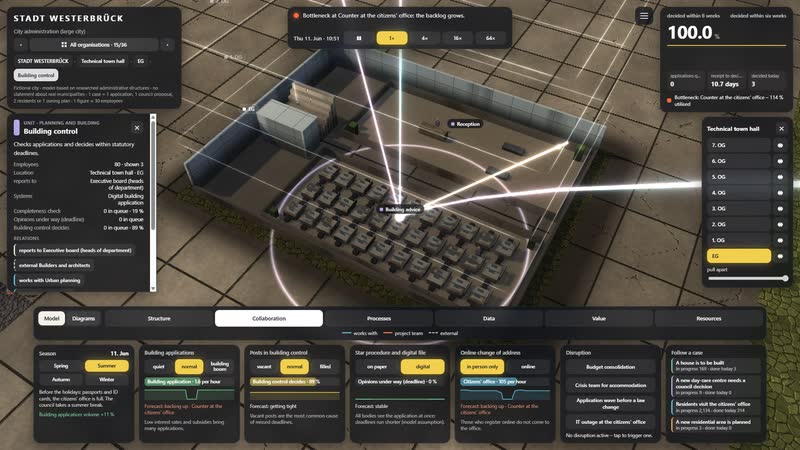
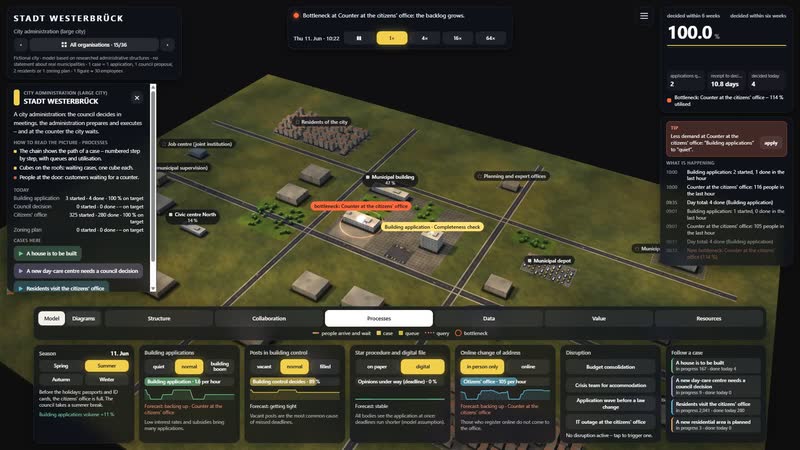
Situation, key figure, time-lapse, six views, controls and disruptions: one click on a department shows its task, location and all relations.
What you can change
Controls
- Building applications: Low interest rates and subsidies bring many applications.
- Posts in building control: Vacant posts are the most common cause of missed deadlines.
- Star procedure and digital file: All bodies see the application at once: deadlines run shorter (model assumption).
- Online change of address: Those who register online do not come to the office.
Disruptions
- Budget consolidation: For half a year vacant posts are not filled.
- Crisis team for accommodation: For two months many work in the crisis team instead of their offices.
- Application wave before a law change: For a month twice as many applications arrive.
- IT outage at the citizens' office: For four hours nothing works at the counters.
What the model gives a city administration
-
01
In parallel, not one after another
With the control ‘Star procedure and digital file’, every department sees the application at the same time. The model shows deadlines shrinking – and where building control still stalls.
-
02
Staffing is a lever
Vacant posts in building control stretch everything. The control and the ‘Budget consolidation’ disruption make the effect of a hiring stop visible.
-
03
Politics and administration together
Council, district committee, committees and offices in one model: the meeting cycle sits next to the processing of applications.
-
04
The counter in view
Residents who change their address online stay away from the citizens' office. ‘Where the site gets tight’ shows the load on site falling.
-
05
For council chamber and town meeting
On a desk in the browser or projected large in the council chamber: the model runs on both, and a demo mode plays everything on its own, for example in the town hall foyer.
-
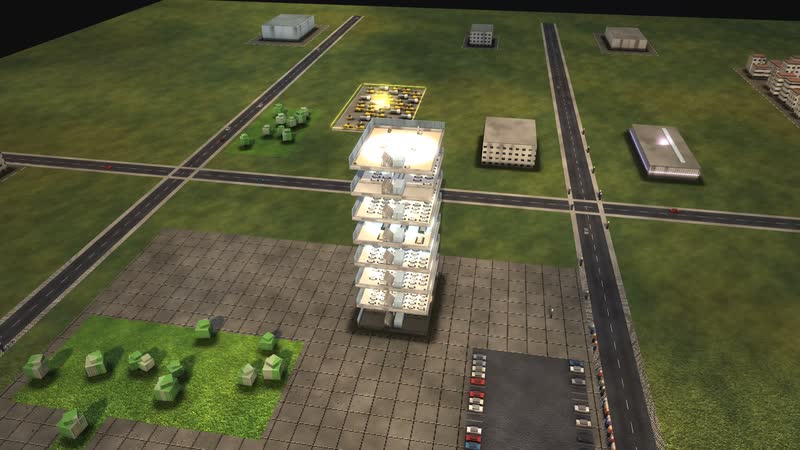
STADT WESTERBRÜCK in the morning – low sun, long shadows, the first commuters on their way in. -
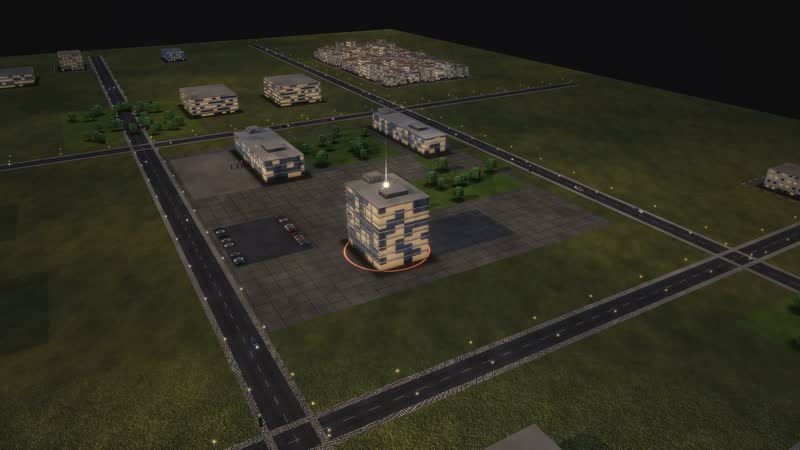
Technical town hall in evening light – golden arcs show who reports to whom. -
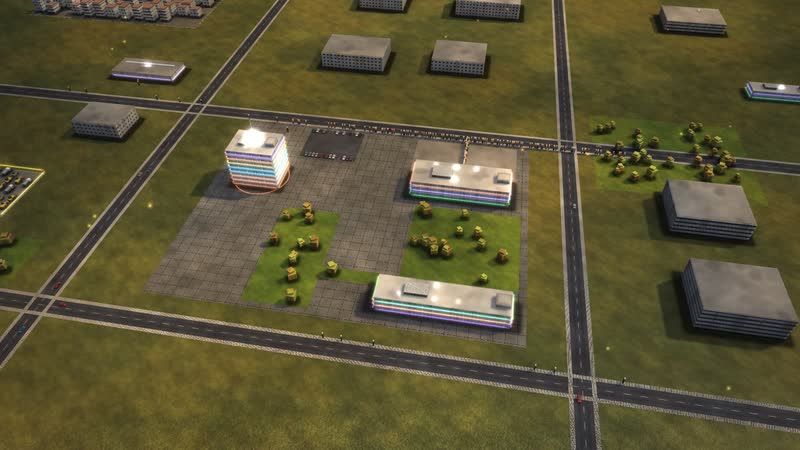
Just before eight – people stream from the car park and the street into the buildings. -
Blue hour – the windows of STADT WESTERBRÜCK light up. -
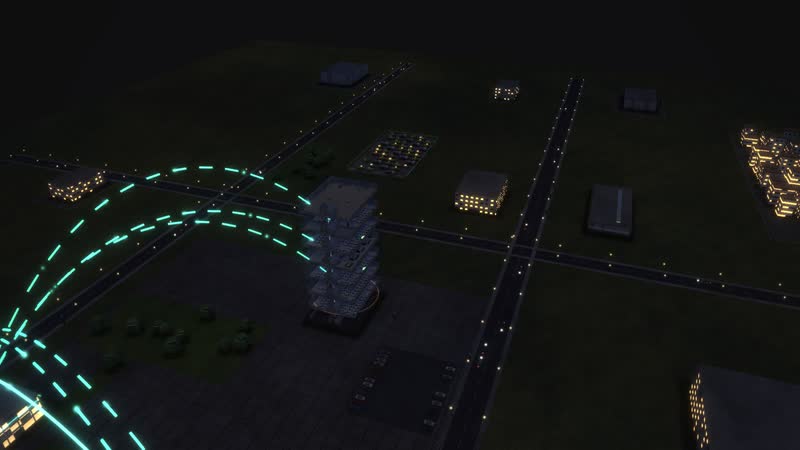
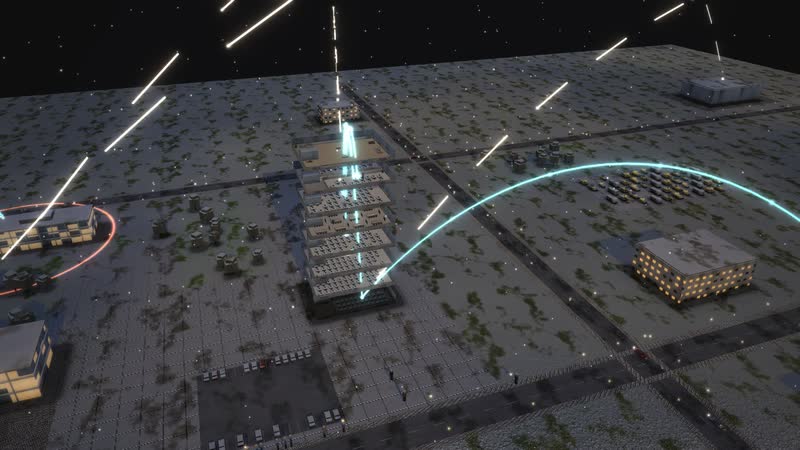
At night from above – Technical town hall opened up, data lines glowing across the site. -
Technical town hall opened up – every floor with workplaces and people. -
Dusk, performance view – rings of light show how busy each department is. -
Looking into the floor of Building control – rows of desks, the floors above as outlines of light. -
A room of its own – Executive board (heads of department). -
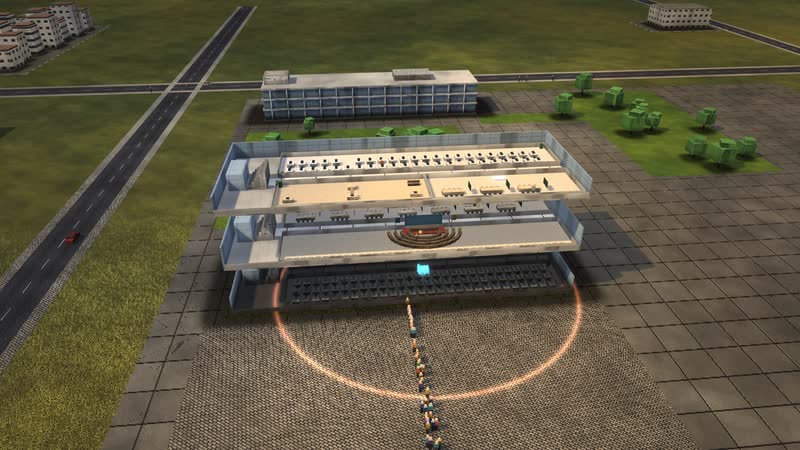
Town hall opened up – every floor with workplaces and people. -
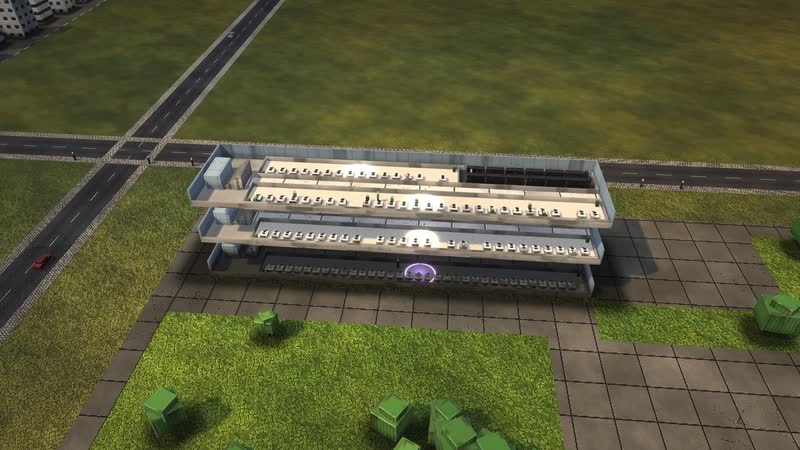
Municipal building – all floors at once, performance view. -
Structure at dusk – golden arcs from every floor to the buildings reporting to it. -
Collaboration – Building control with all 6 relations – to departments, buildings and partners. -
Data flows at night – systems and users linked by glowing lines. -
Data flows at dusk – which department uses which system. -
Structure across the whole site – reporting lines between the buildings. -
The whole network at night – collaboration inside and far beyond. -
Every step labelled – name, how many are waiting, utilisation. -
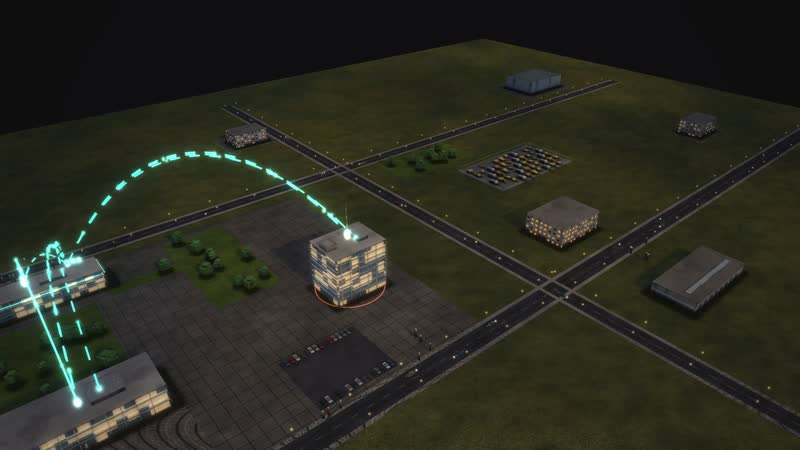
Following one case – ‘A house is to be built’ – step by step through the building. -
Application wave before a law change – resources view, the backlog grows floor by floor. -
IT outage at the citizens' office – the data arcs turn red, work stalls. -
The lever – Posts in building control set to ‘filled’ – a flash shows where it acts. -
Spring at STADT WESTERBRÜCK – Technical town hall opened up, rings show the workload. -
Summer evening – warm light, long shadows, golden arcs above the square. -
Autumn – leaves on the paths, performance view. -
Winter evening – snow on the site, Technical town hall open and lit, collaboration glowing. -
Diagram ‘Who works with whom’, calculated live from the model. -
Diagram ‘Year, week, day’, calculated live from the model. -
Diagram ‘Management levels as a staircase’, calculated live from the model. -
Diagram ‘How a case flows’, calculated live from the model. -
Diagram ‘What each control does’, calculated live from the model. -
Diagram ‘What the work depends on’, calculated live from the model. -
Diagram ‘Where it gets tight’, calculated live from the model. -
Diagram ‘Who leads whom’, calculated live from the model. -
The whole software – situation, key figure, time, views and the controls below. -
Technical town hall selected – floor list on the right, the floors drift apart. -
Building control – card with task, location and all relations. -
Application wave before a law change triggered – timeline, key figure and bottleneck react. -
Countering – Posts in building control increased – the tile shows the effect since the change. -
Diagram ‘How a case flows’ with its panel – findings in sentences. -
Diagram ‘Who works with whom’ with its panel. -
Follow a case – step, waiting time and target on the card. -
The tour leads through the software in eight steps. -
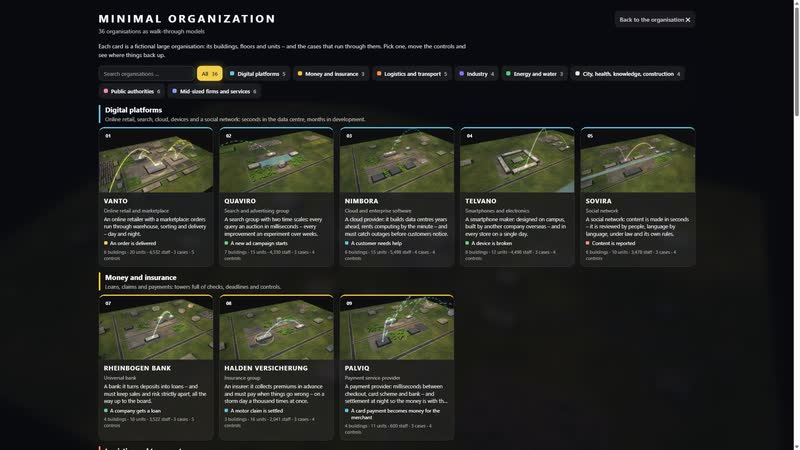
36 organisations to choose from, each with its own picture.
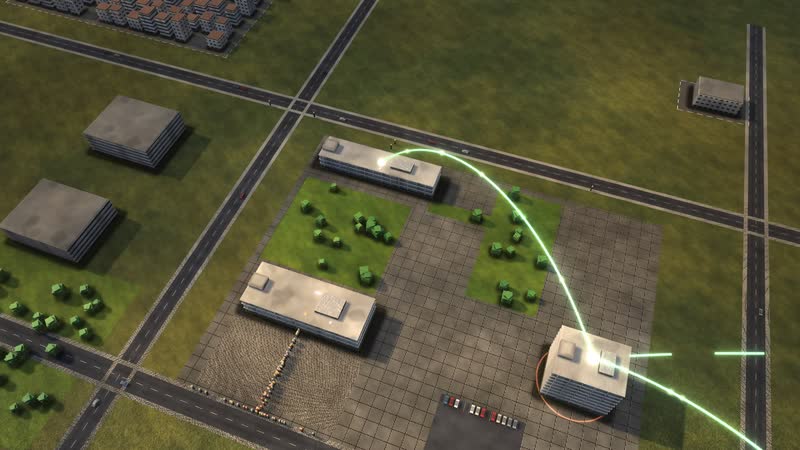

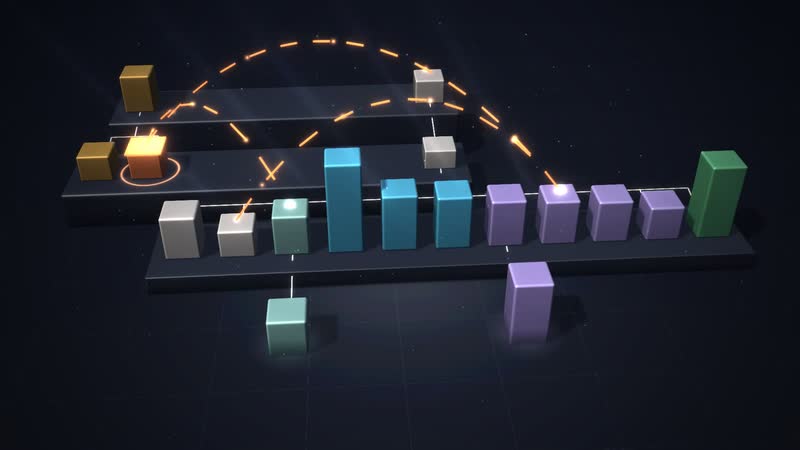
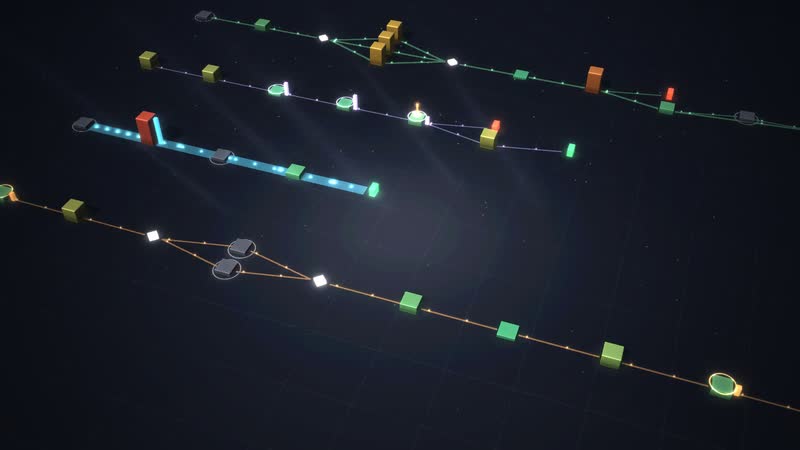




Your administration as a model
Which of your city's processes should become visible: building permits, the citizens' office, council business? We discuss data, goals and audiences with you. To try it out, there is a password we send on request.
cube4tec.de/spiele/minimal-organization/
Ask about this
Minimal Organization: Stadtverwaltung
Basis and limits
Fictional city · model based on researched administrative structures · no statement about real municipalities
1 case = 1 application, 1 council proposal, 2 residents or 1 zoning plan · 1 figure ≈ 30 employees
All volumes, durations, rates and capacities are model assumptions, not values of a real city.
Building code deadlines are simplified and to be checked against the law; the six-week target applies here to all applications.
Documented: council and directly elected mayor, mandatory committees, district councils, participation and publication for zoning plans.
Public sources the model is based on:
- Gemeindeordnung NRW
- KGSt (Verwaltungsorganisation)
- Bauordnung NRW § 71
- Baugesetzbuch
- Onlinezugangsgesetz
Similar business models
-
District administration
A rural district administration as a walkable model: why the morning queue at vehicle registration grows, what shortens it and where the district office runs short of staff.
-
Job centre
A job centre as a walkable model: how a benefit claim moves from reception to payment, where missing documents hold it up and how job placement runs alongside.
-
Tax office
A tax office as a walkable model: how an income tax return travels from receipt to notice, where it waits and what speeds up processing.
-
Housing company
A municipal housing company as a walkable model: what happens after a tenant reports a cold radiator, who repairs it and what speeds up the fix.
-
Construction group
A construction and infrastructure group as a walkable model: see how a viaduct is built section by section and where frost, inspections and variations cost time.
-
Local court
A local court as a walkable model: what happens between claim and judgment, where the months go and which levers shorten proceedings without touching judicial independence.
-
University hospital
A university hospital as a walkable model: see where an emergency patient's time goes and why the strongest lever sits on the wards.
-
University
A university as a walkable model: see how an exam turns into a recorded grade, how a professorship is filled and where the academic year creates peaks.
STADT WESTERBRÜCK is invented and its deadlines are simplified. With your administration's data the model shows what sits in specialist systems today – such as application backlogs and processing times per permit type, or waiting times and bookings at the citizens' office.