
Simulation · Minimal Organization · Mid-sized firms and services
Heating, plumbing and electrical contractor
A heating, plumbing and electrical contractor as a walkable model: what happens after a breakdown call, why the right part in the van matters and when the emergency service hits its limit.
Trailer
All data are fictional, including call volumes and success rates. Adapted to your firm's real data, the model shows what nobody sees at a glance today – for example the first-visit fix rate per technician and part, or the stock in each van.
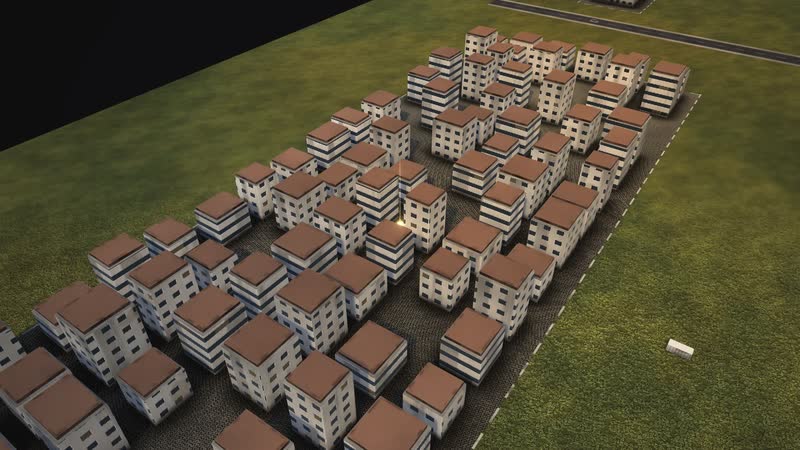
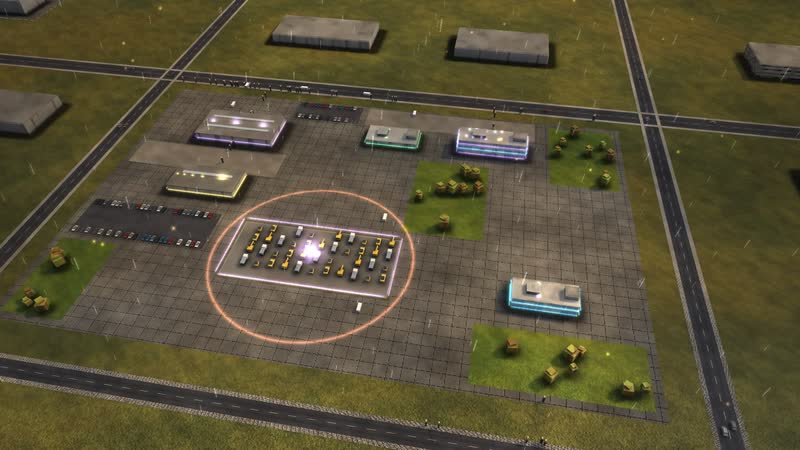
This field service simulation shows the fictional HEIMVELT HAUSTECHNIK, a heating, plumbing and electrical contractor, from the customer's call to the paid invoice. When the heating fails in winter, a technician with the right part in the van must be at the door the next morning – while bathrooms and heat pumps take shape over weeks.
The main process starts with a customer whose heating is cold and whose display shows an error. Dispatch assesses urgency: is water leaking, is there frost outside, are there small children or sick people in the house? Then comes remote help by phone, the emergency service at once or the service route at 6:30 the next morning. If the part is not in the van, the technician has to come back. Model target: a technician on site within 24 hours – not the finished repair.
Alongside, bathrooms are renovated, a heat pump replaces an old gas boiler and heating systems are serviced under contract, across six buildings and 17 departments. The page is meant for owners, master craftsmen, dispatchers, stores managers and trainers.
The heating breaks down
- 01
Call in the control room: A customer calls: the heating is cold, an error is flashing on the display.
- 02
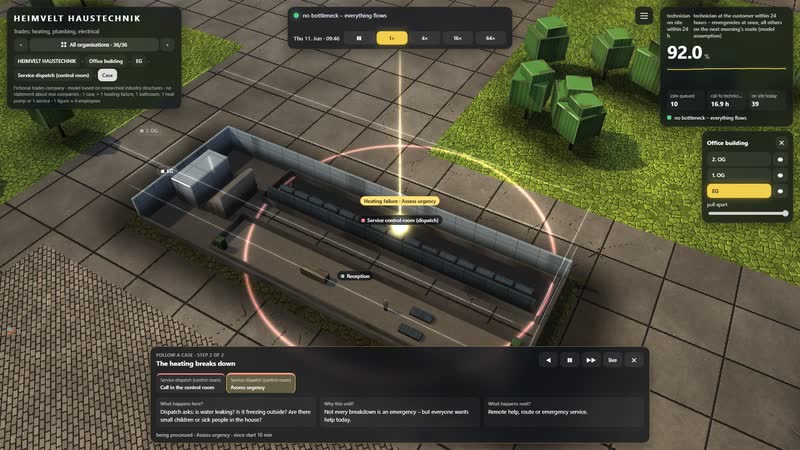
Assess urgency: Dispatch asks: is water leaking? Is it freezing outside? Are there small children or sick people in the house?
- 03
Remote help by phone: A technician helps by phone: top up the water pressure, reset the fault.
- 04
Solved by phone.
- 05
Customer names a preferred date: The customer is not at home tomorrow and names a later day.
- 06
Emergency service drives out at once: The emergency service sets off at once – also at night and at weekends.
- 07
Service route (6:30 am): The next morning at 6:30 the service vans set off – with the list in the app.
- 08
Technician at the customer: diagnosis and repair: The technician finds the fault: pump, ignition, sensor, circuit board.
- 09
Order material from the wholesaler: The stores order the part in the wholesaler's web shop.
- 10
Wholesaler delivers the spare part: The wholesaler delivers the spare part.
- 11
Again: Service route (6:30 am): The second visit goes on the next morning route.
- 12
Again: Technician at the customer: diagnosis and repair: The technician fits the part, the heating runs.
- 13
Manufacturer's factory service: The manufacturer's factory service takes over.
- 14
Close the job in the app: The technician closes the job in the app: photos, material, signature.
- 15
Stores restock the van: In the evening the stores restock the van.
- 16
Write the invoice: Accounts write the invoice from the report.
- 17
Customer pays: The customer pays.
- 18
Heating runs, invoice paid.
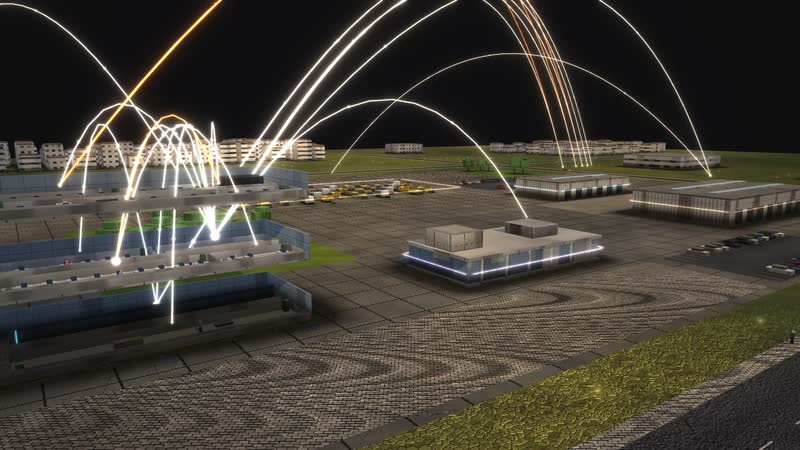
01
A site at work
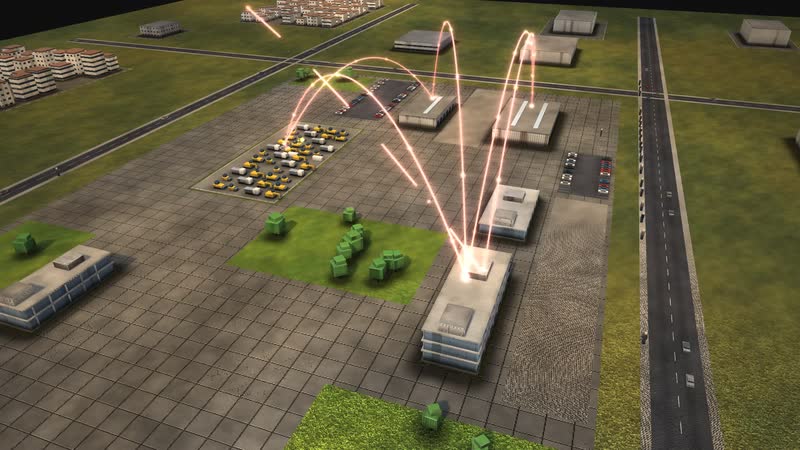
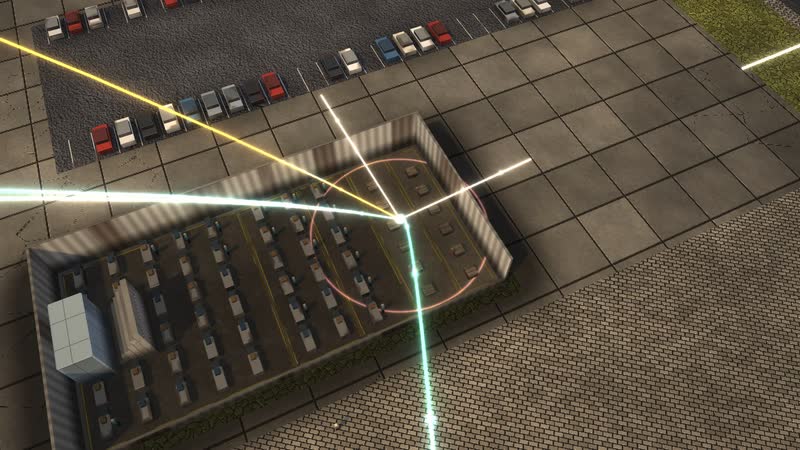
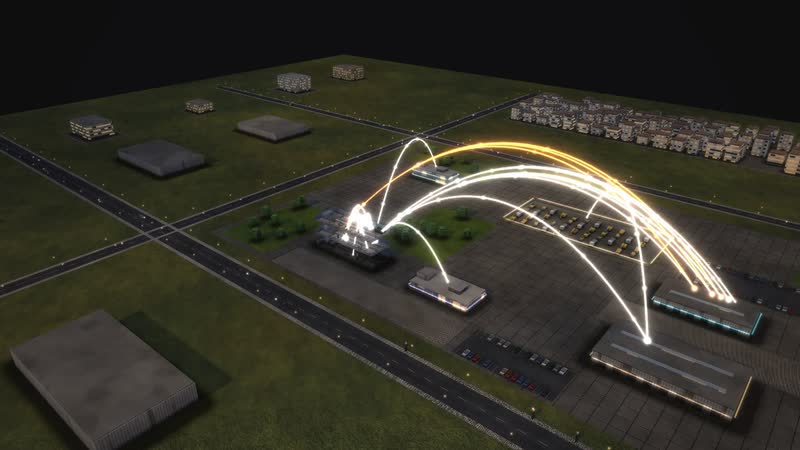
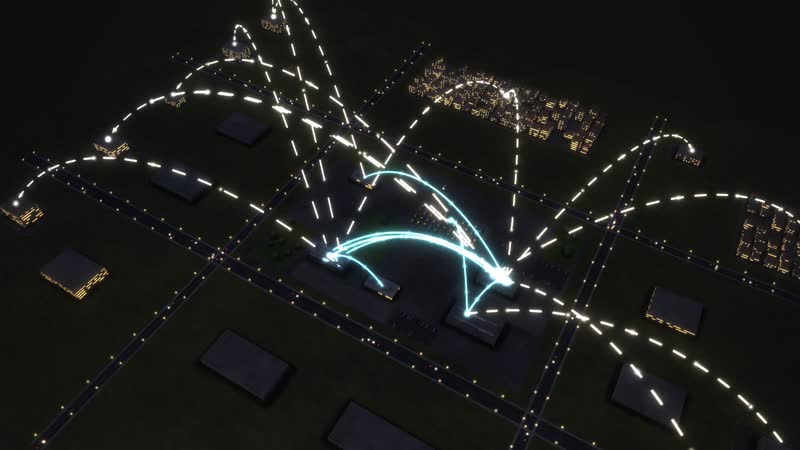
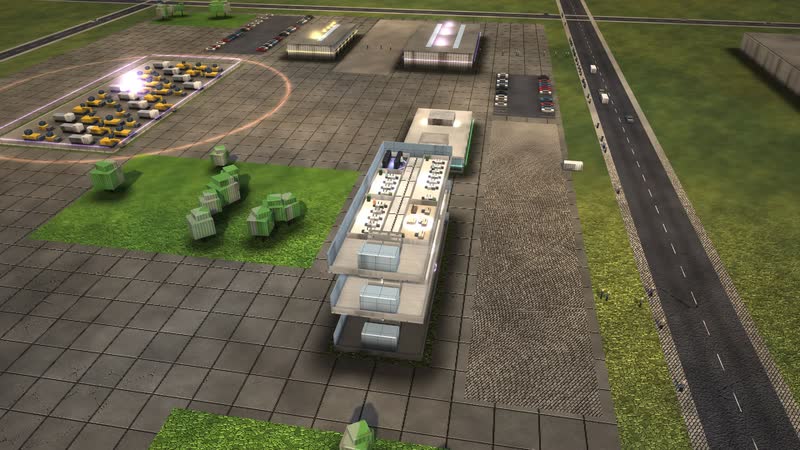
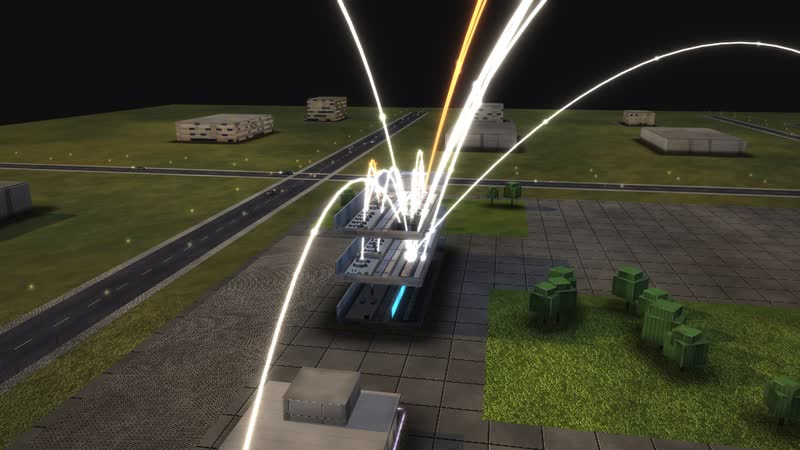
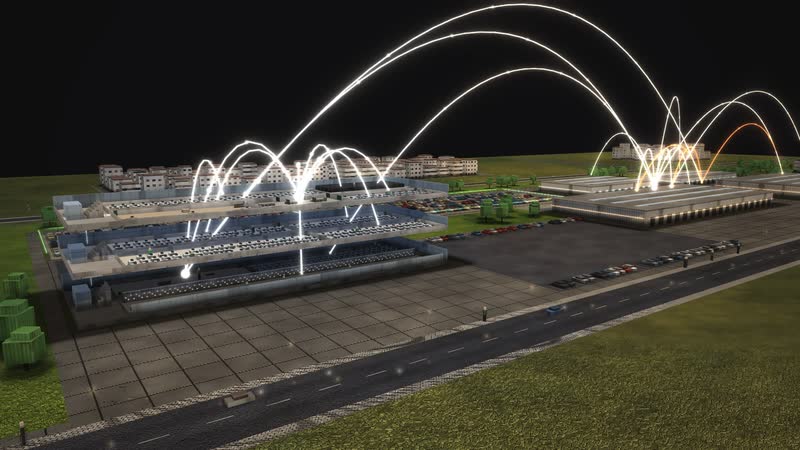
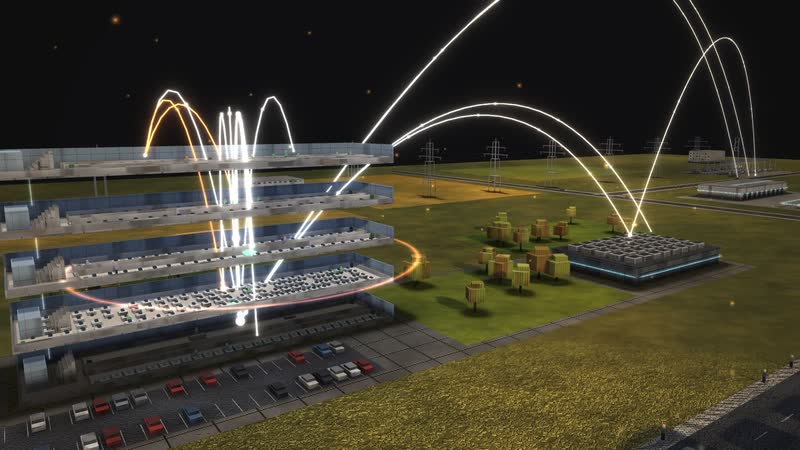
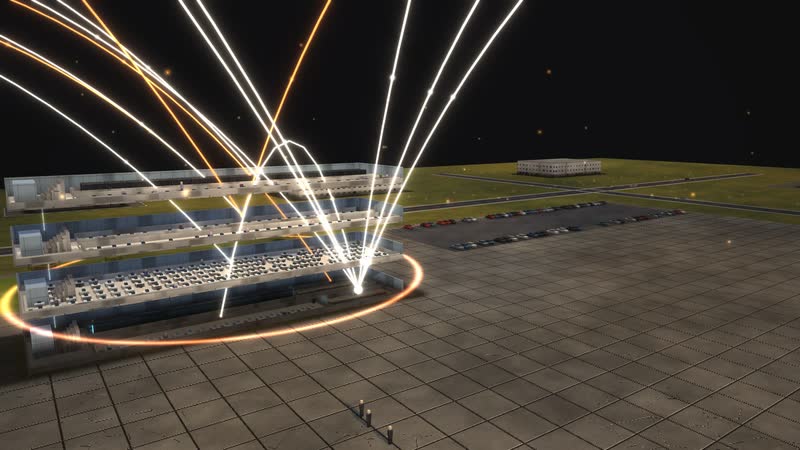
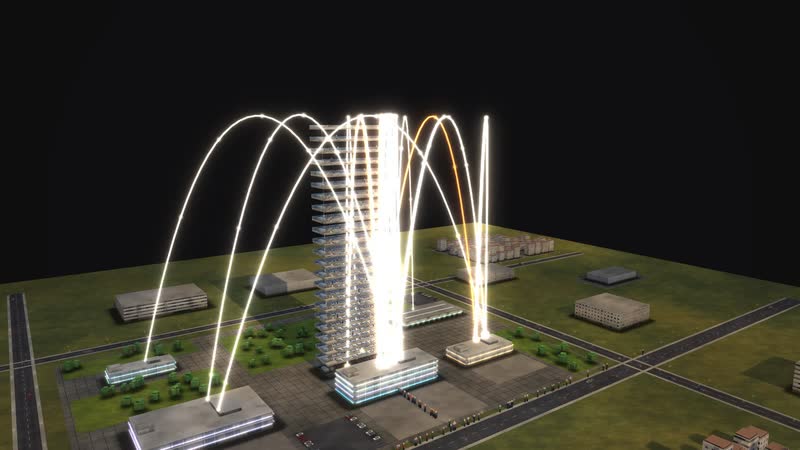
6 buildings, 17 departments, about 210 staff: in the evening light golden arcs show who reports to whom.
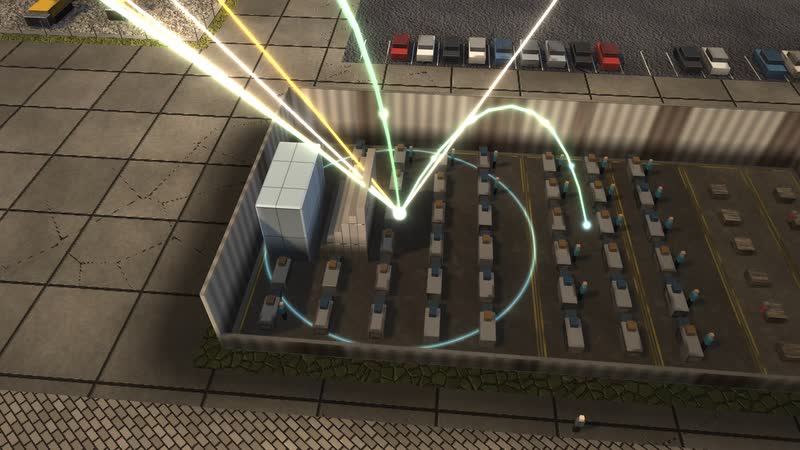
02
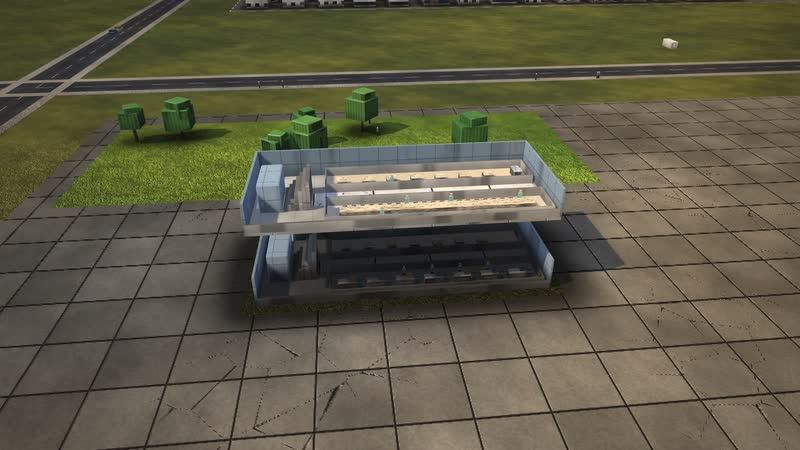
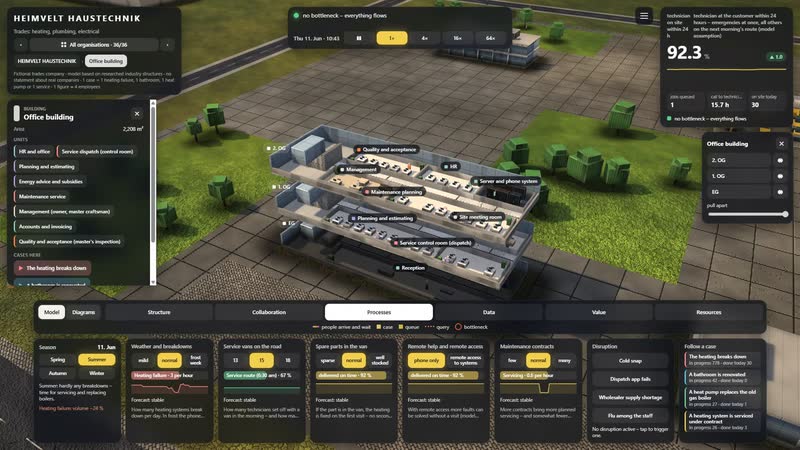
Every floor opened up
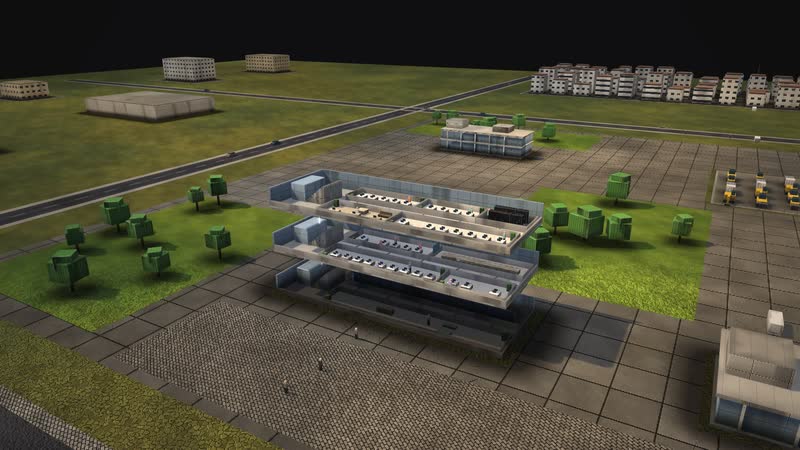
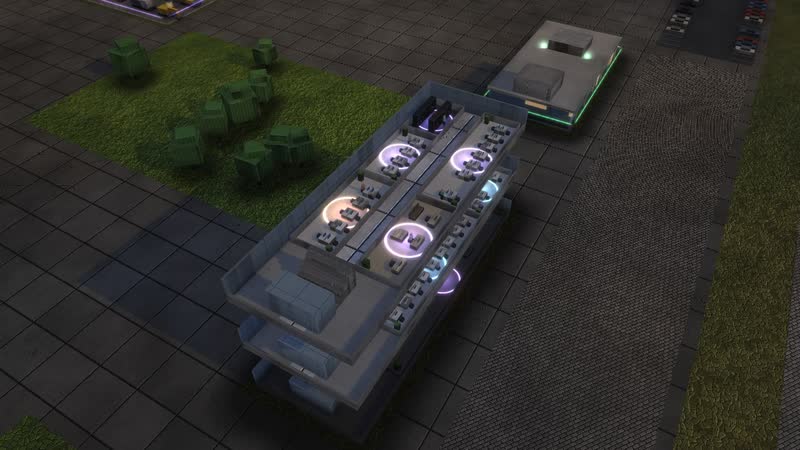
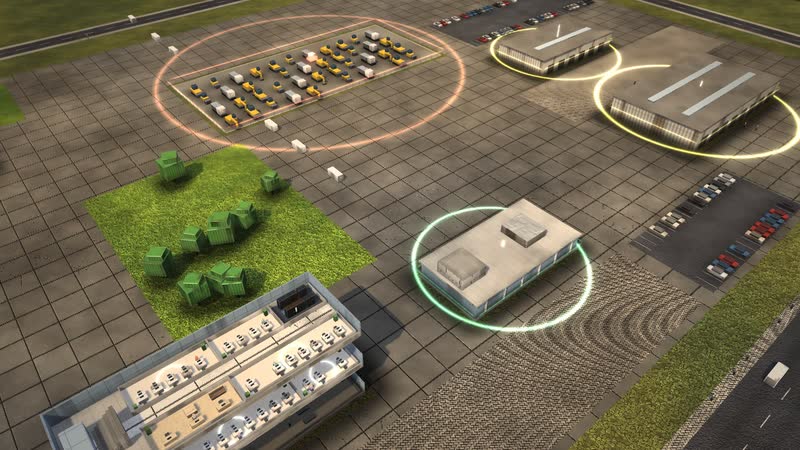
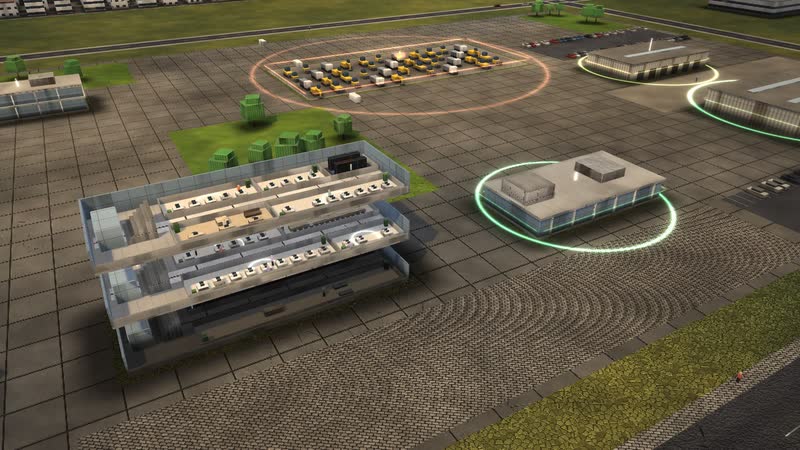
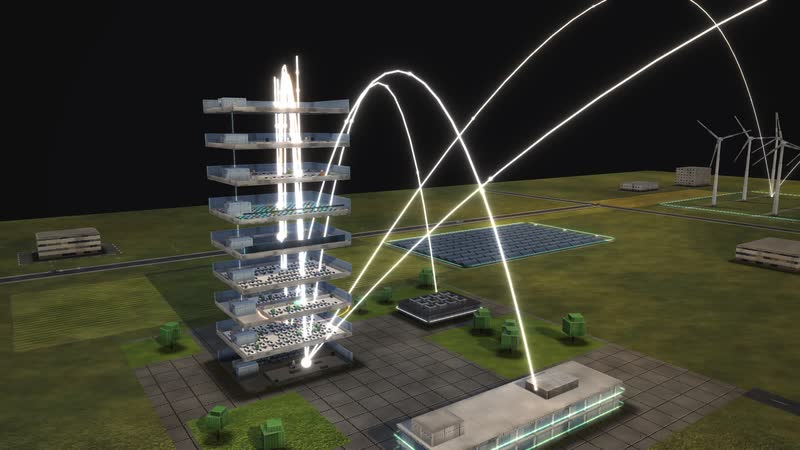
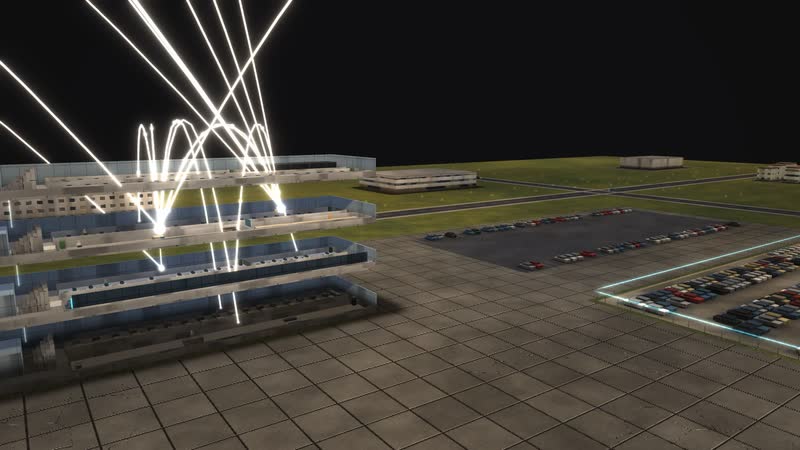
Every building can be opened, floor by floor – right into single rooms such as ‘Heating and heat pumps’, with workplaces and people at work.
What is shown – why – for whom
| What is shown | Why | For whom |
|---|---|---|
| ‘Year, week, day’ diagram: the 6:30 morning route and frost weeks | WhyShows the peaks in customer service. | For whomOwner, dispatch |
| ‘What each control does’ diagram: parts in the van, remote access, vans, maintenance contracts | WhyRanks levers for fixing it on the first visit. | For whomOwner, master craftsmen |
| ‘Where it gets tight’ diagram during a cold snap: dispatch and emergency service | WhyShows the emergency service running non-stop. | For whomDispatch, emergency service |
| ‘The path across the site’ diagram: stores, fleet, customers | WhyShows routes and how vans are restocked. | For whomStores, fleet |
| ‘How a case flows’ diagram: remote help, emergency service, route, second visit | WhyShows the paths of a breakdown call. | For whomTraining, customers |
| Process ‘A heat pump replaces the old gas boiler’ | WhyShows projects lasting weeks alongside customer service. | For whomSales, customers |
| Collaboration view: office, stores, workshop, training | WhyShows who works with whom. | For whomNew staff, apprentices |
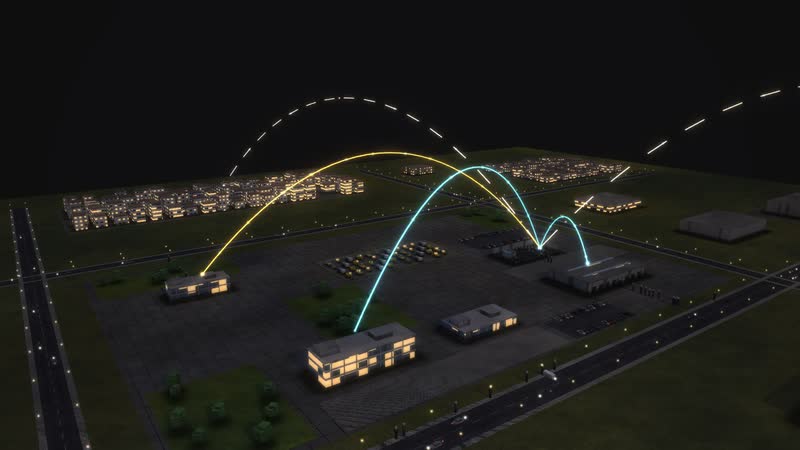
03
Who works with whom
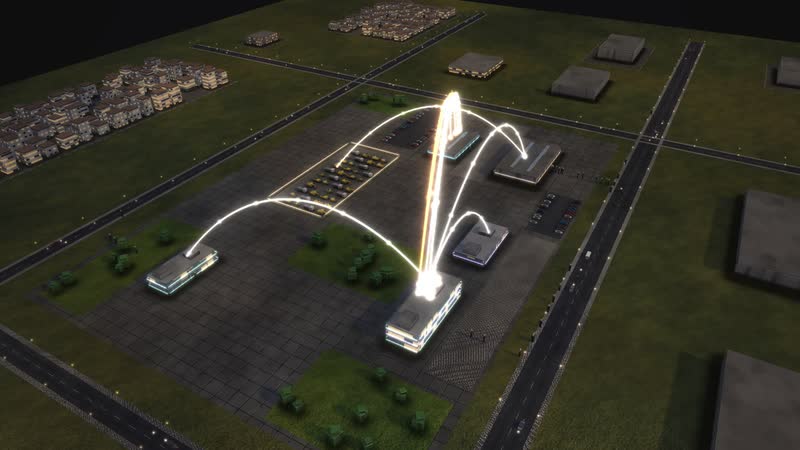
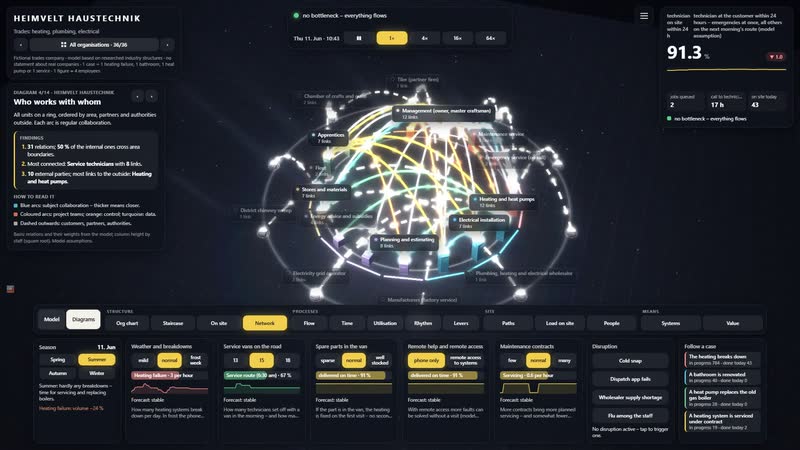
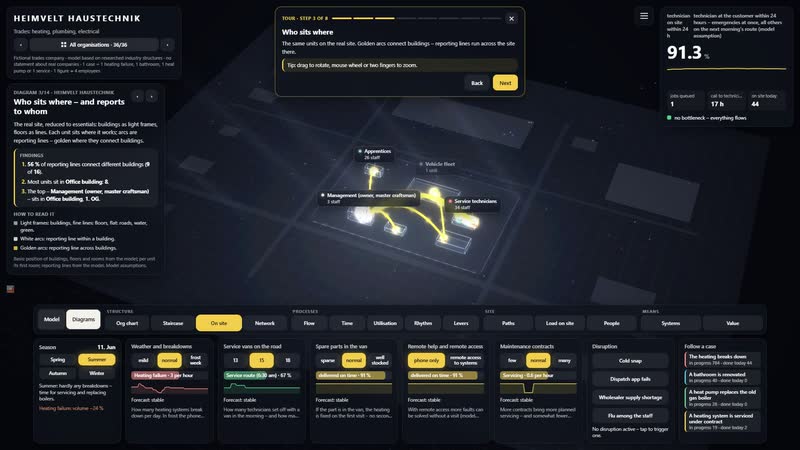
‘Service technicians’ with all 6 relations: Service dispatch (control room), Stores and materials, Maintenance service and Apprentices – and outside Customers in town and Manufacturers (factory service).
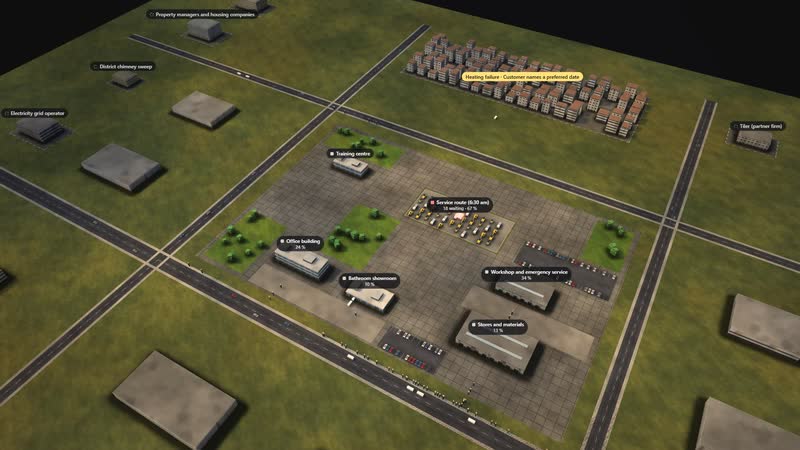
04
The heating breaks down
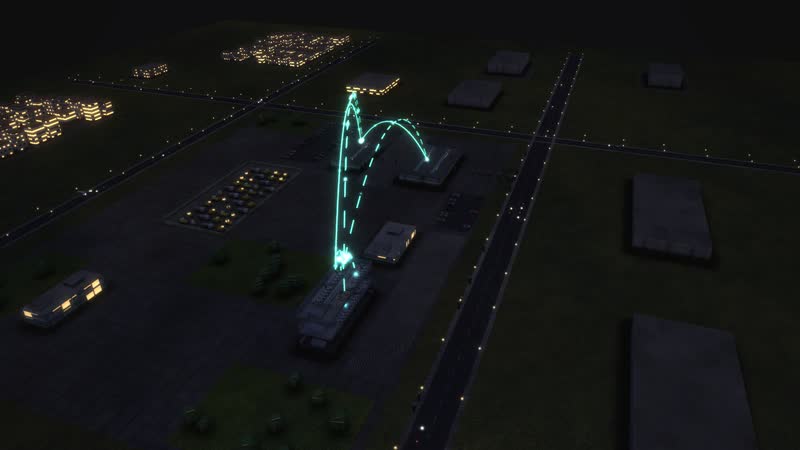
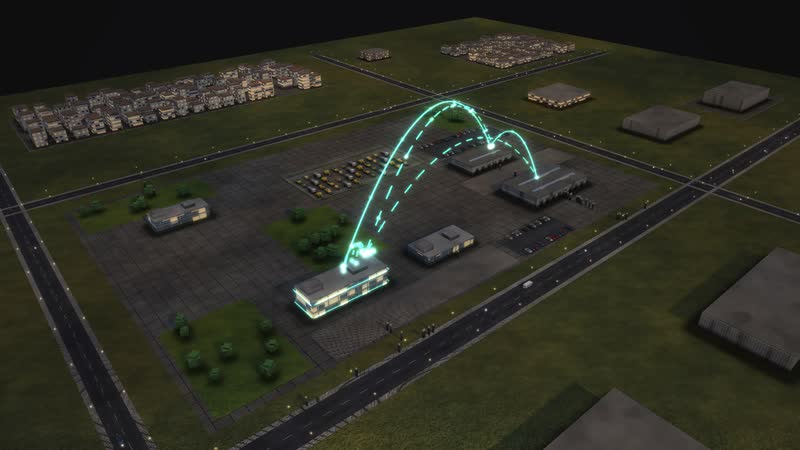
A single case can be followed – step by step, with the waiting time at every station. Target: technician at the customer within 24 hours – emergencies at once, all others on the next morning's route (model assumption).
Films from the model
-
The building opens up
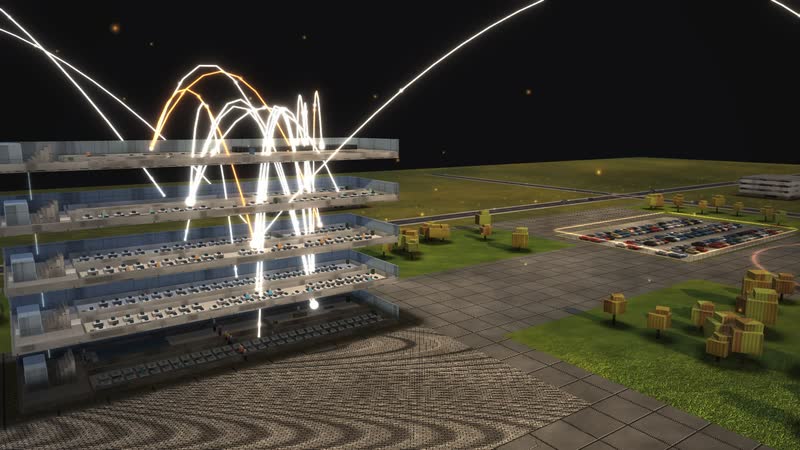
Just before sunset the floors drift apart – ‘Office building’ opens up as the camera rises and circles the building until night falls.
-
Who reports to whom, who works with whom
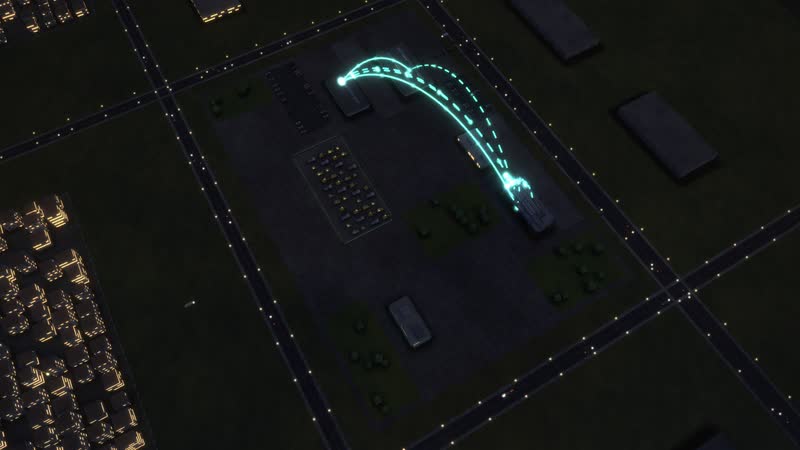
Blue hour above the site: first the golden arcs of the structure, then the collaboration of the most connected department, finally the whole building.
-
A day in time-lapse
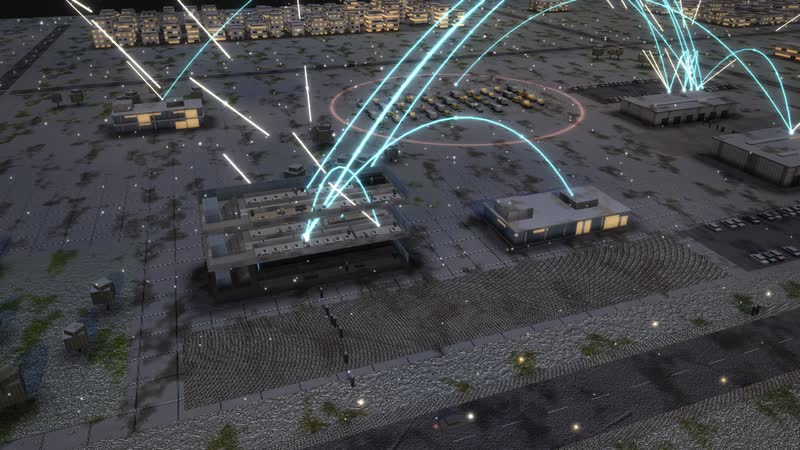
From ten in the morning to midnight in 26 seconds: the sun moves, the windows light up, at night the data lines glow.
-
Surge and system outage
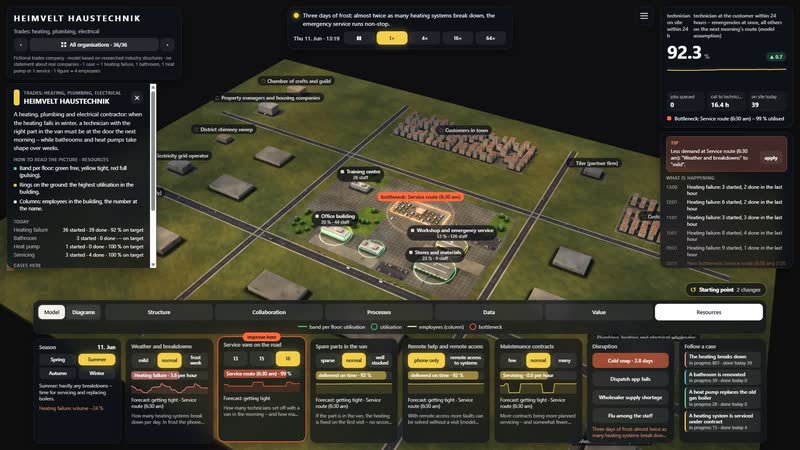
In time-lapse: ‘Cold snap’ brings more work, then ‘Dispatch app fails’ – the data arcs turn red. The control ‘Service vans on the road’ set to ‘18’ brings recovery.
-
Seven diagrams
Calculated live from the model: ‘Who works with whom’, ‘Year, week, day’, ‘Management levels as a staircase’, ‘How a case flows’, ‘What each control does’, ‘What the work depends on’, ‘Where it gets tight’.
-
Using the software
With the full interface: open a building, a department’s relations, ‘Cold snap’, a control, diagrams with their panel, one case.
Departments in the model
-
Management (owner, master craftsman)
The owner is a master plumber and heating engineer; without a master the firm may not operate.
-
Service dispatch (control room)
Takes every call, assesses urgency and plans the routes for the next morning.
-
Emergency service (on call)
Goes out around the clock when water is leaking or the heating stops in frost.
-
Service technicians
One technician per van with a stock of parts: diagnosis and repair at the customer.
-
Maintenance service
Services heating systems under contract, once a year.
-
Bathroom renovation
Crews strip out old bathrooms and install new ones.
-
Heating and heat pumps
Replaces boilers with heat pumps, installs tanks, pipes and controls.
-
Electrical installation
Meter cabinets, wall boxes, heat pump connections, bathroom electrics.
-
Planning and estimating
Measures, plans and writes every offer.
-
Energy advice and subsidies
Calculates the heating load and guides customers through the subsidy application.
-
Customer advice and showroom
Advises in the bathroom showroom.
-
Stores and materials
Orders from the wholesaler, packs site deliveries and restocks the vans.
-
Fleet
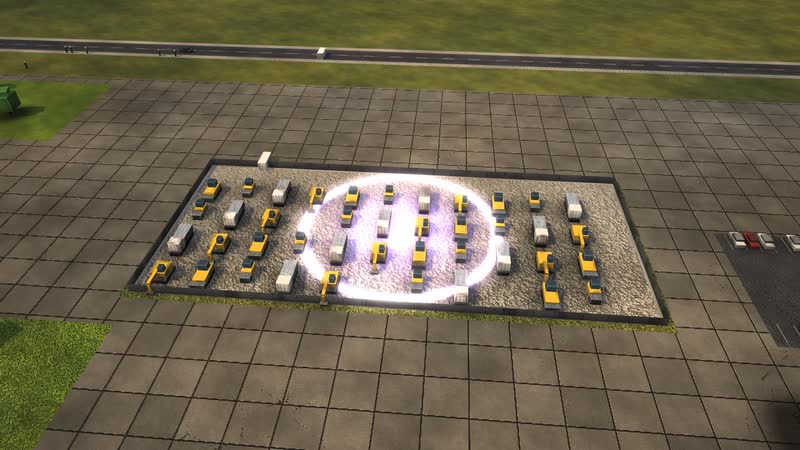
About 70 vehicles: service, crews, emergency.
-
Apprentices
Trainers and apprentices in plumbing/heating and electronics – they ride along in the vans.
-
Accounts and invoicing
Writes invoices, sends reminders, pays suppliers; looks after the software.
-
HR and office
Hiring, payroll, training courses.
-
Quality and acceptance (master's inspection)
A master independently inspects every bathroom and heat pump before handover.
05
Dispatch app fails
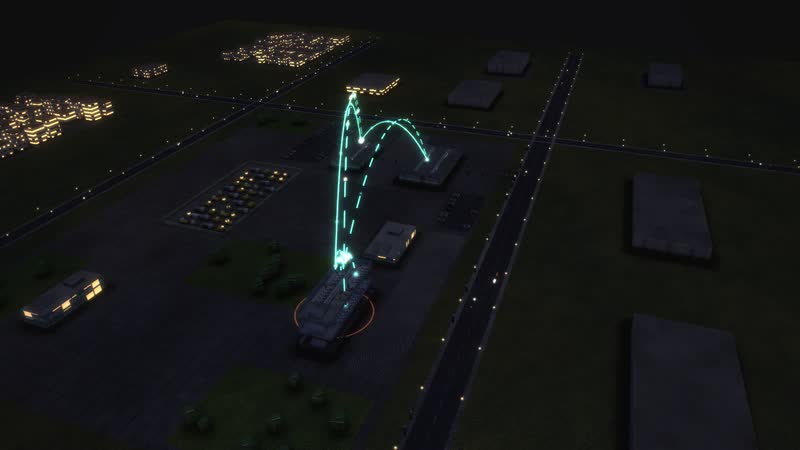
The data arcs turn red and work stalls – the simulation shows where cases pile up and how long recovery takes.
06
A day in 26 seconds
From ten in the morning to midnight in time-lapse: commuters, moving light, windows switching on – and at night the data lines.
All processes in the model
The heating breaks down
- 01Call in the control room: A customer calls: the heating is cold, an error is flashing on the display.
- 02Assess urgency: Dispatch asks: is water leaking? Is it freezing outside? Are there small children or sick people in the house?
- 03Remote help by phone: A technician helps by phone: top up the water pressure, reset the fault.
- 04Solved by phone.
- 05Customer names a preferred date: The customer is not at home tomorrow and names a later day.
- 06Emergency service drives out at once: The emergency service sets off at once – also at night and at weekends.
- 07Service route (6:30 am): The next morning at 6:30 the service vans set off – with the list in the app.
- 08Technician at the customer: diagnosis and repair: The technician finds the fault: pump, ignition, sensor, circuit board.
- 09Order material from the wholesaler: The stores order the part in the wholesaler's web shop.
- 10Wholesaler delivers the spare part: The wholesaler delivers the spare part.
- 11Again: Service route (6:30 am): The second visit goes on the next morning route.
- 12Again: Technician at the customer: diagnosis and repair: The technician fits the part, the heating runs.
- 13Manufacturer's factory service: The manufacturer's factory service takes over.
- 14Close the job in the app: The technician closes the job in the app: photos, material, signature.
- 15Stores restock the van: In the evening the stores restock the van.
- 16Write the invoice: Accounts write the invoice from the report.
- 17Customer pays: The customer pays.
- 18Heating runs, invoice paid.
A bathroom is renovated
- 01Advice in the bathroom showroom: A couple comes into the showroom: a walk-in shower instead of a tub.
- 02Appointment at the customer's: An appointment at the customer's is arranged.
- 03Site survey at the customer's: The planner measures, checks pipes and drains.
- 04Plan and price the offer: Plan, material list and offer.
- 05Customer decides: The customers compare offers and decide.
- 06No order.
- 07Work preparation: schedule and material list: Work preparation: schedule of the trades, material list.
- 08Order material from the wholesaler: The stores order ceramics, fittings, tiles.
- 09Lead time for ceramics, fittings, tiles: Weeks of lead time, especially for shower screens and special tiles.
- 10Site start: crew drives out (7 am): In the morning the crew drives to the site.
- 11Strip out the old bathroom: Tiles off, tub out, rubble away.
- 12Install pipes and frame walls: New pipes, frame wall, level-access shower.
- 13Electrical work: The electrician fits lights, mirror cabinet and sockets.
- 14Tiler (partner firm): The partner firm lays the tiles.
- 15Final fitting: ceramics, taps, shower: Final fitting: WC, washbasin, taps, shower screen.
- 16Master's inspection: A master accepts the bathroom with the customer – the target is measured here.
- 17Fix defects: The crew fixes defects: silicone joint, dripping tap.
- 18Write the invoice: Final invoice per survey and offer; the instalments are already paid.
- 19New bathroom.
A heat pump replaces the old gas boiler
- 01Site visit: heating load, location, subsidy: On site: heating load, space for the outdoor unit, noise towards the neighbours, subsidy.
- 02Plan and price the offer: Planning prices the offer.
- 03Customer decides: The customer calculates with subsidy and power tariff.
- 04No order.
- 05Contract with subsidy condition: Contract with a subsidy condition: it only applies once the grant is approved.
- 06Subsidy application, grid registration and ordering run at the same time.
- 07Subsidy application and approval: The customer applies for the subsidy and gets the approval.
- 08Registration with the grid operator: The master electrician registers the heat pump with the grid operator.
- 09Order material from the wholesaler: The stores order heat pump and tank from the wholesaler.
- 10Heat pump lead time: The heat pump arrives.
- 11Approval, registration and unit are in.
- 12Site start: crew drives out (7 am): The crew drives to the customer with unit and material.
- 13Boiler out, heat pump in: Old boiler out, outdoor unit onto its base, tank and pipes in.
- 14Electrical work: Electrical connection, meter space, control box for the grid operator.
- 15Commissioning and hydraulic balancing: Commissioning and hydraulic balancing – the target is measured here.
- 16Master's inspection: The master checks the system and hands it over.
- 17Again: Commissioning and hydraulic balancing: Readjust the controls, fix a noise.
- 18Write the invoice: Invoice to the customer.
- 19Chimney sweep and subsidy get their documents.
- 20Chimney sweep records the decommissioning: The chimney sweep records the decommissioned gas boiler in the register.
A heating system is serviced under contract
- 01Software reports: service due: The software reports: this heating system is due again.
- 02Customer confirms the appointment: Customer or property manager confirms the appointment.
- 03Maintenance route (7:30 am): At 7:30 am the maintenance vans set off.
- 04Servicing the heating: Clean the burner, measure flue gas, check pressure and expansion vessel – the target is measured here.
- 05Order material from the wholesaler: A wear part needs replacing: the stores order it.
- 06Wholesaler delivers the spare part: The wholesaler delivers.
- 07Service route (6:30 am): The repair goes on the service route.
- 08Technician at the customer: diagnosis and repair: A service technician replaces the part.
- 09Close the job in the app: Report in the app, the customer signs.
- 10Write the invoice: Invoice per contract.
- 11Serviced.
How a trades business can use the model
-
Internal communication
Office, bathroom showroom, stores, workshop with emergency service, fleet and training centre in one picture. Service technicians and project crews see where they draw on the same stores and fleet.
For whomOwner, master craftsmen, office
-
Onboarding
New technicians see how a call becomes a route, what the van should carry in the morning and who restocks it in the evening.
For whomNew staff in service, emergency service and stores
-
Training
Apprentices ride along in the vans; in the model they play through a frost week or a dispatch app failure and watch the calls pile up.
For whomTrainers, plumbing, heating and electronics apprentices
-
Explaining to customers
How fast does the emergency service come, and why sometimes twice? The model shows customers, property managers and housing companies what happens after the call and why a heat pump swap runs over weeks.
For whomCustomer service, sales, customers
-
Strategic overview
Parts in the van, remote access, number of vans, maintenance contracts: the model shows what raises the first-visit fix rate. A cold snap reveals when dispatch and emergency service reach their limit.
For whomOwner, master craftsmen
07
Diagrams from the model
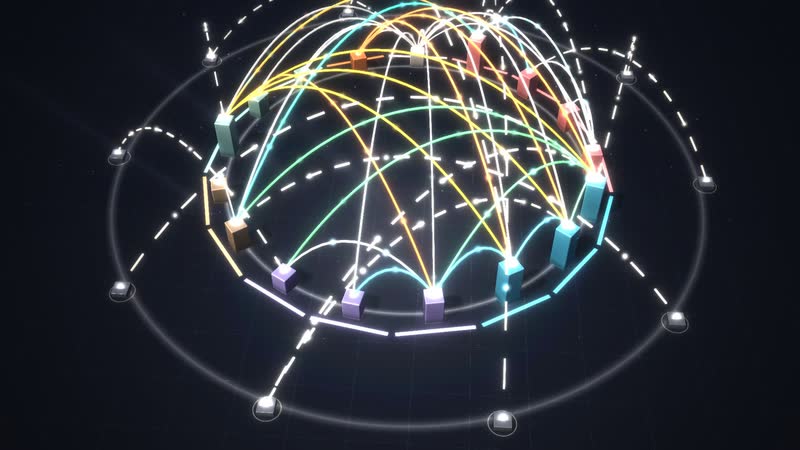
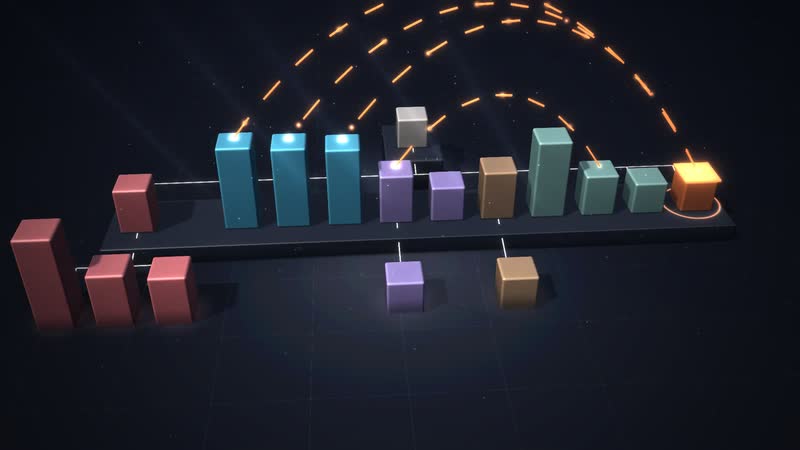
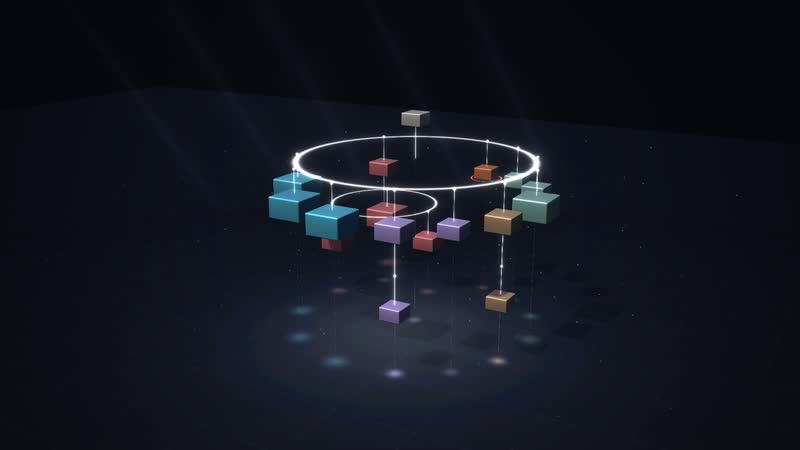
‘Who works with whom’ as a dome of arcs – one of 14 diagrams calculated live from the same data.
08
The whole software
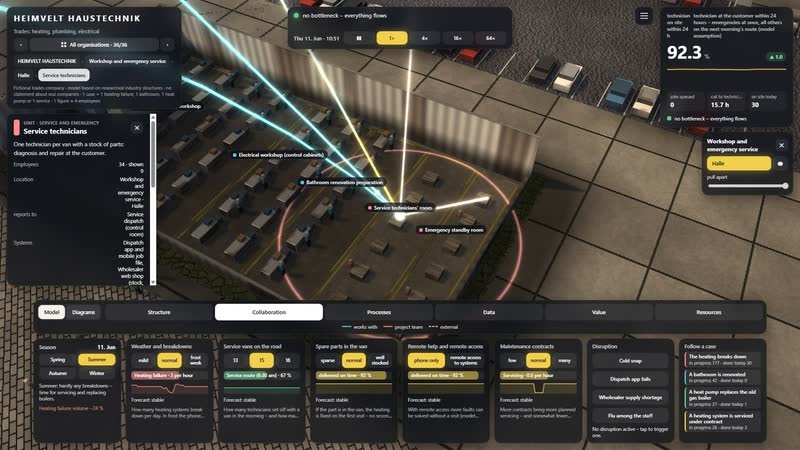
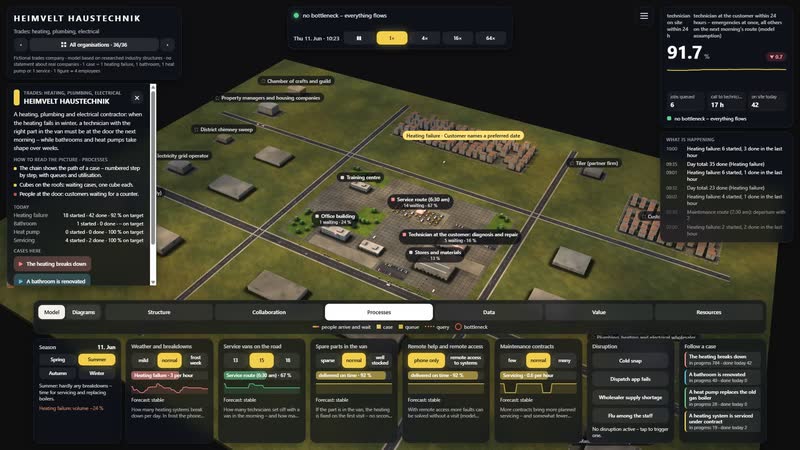
Situation, key figure, time-lapse, six views, controls and disruptions: one click on a department shows its task, location and all relations.
What you can change
Controls
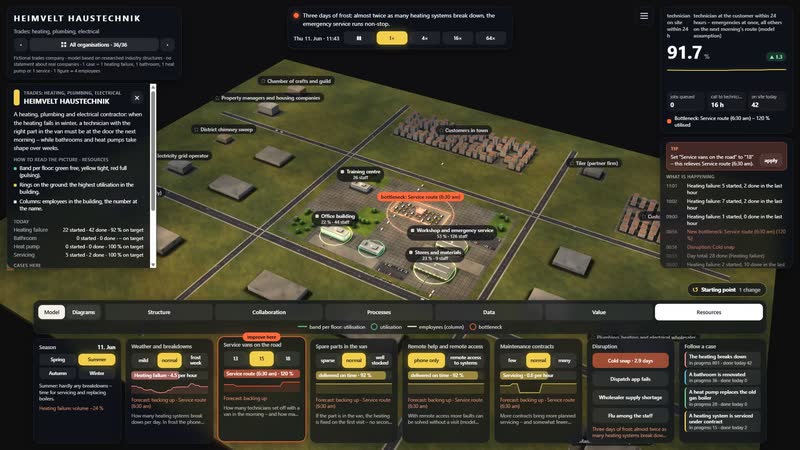
- Weather and breakdowns: How many heating systems break down per day. In frost the phone never stops ringing.
- Service vans on the road: How many technicians set off with a van in the morning – and how many customers they manage a day.
- Spare parts in the van: If the part is in the van, the heating is fixed on the first visit – no second slot on the route.
- Remote help and remote access: With remote access more faults can be solved without a visit (model assumption: 18 instead of 10 % of calls).
- Maintenance contracts: More contracts bring more planned servicing – and somewhat fewer breakdowns (model assumption).
Disruptions
- Cold snap: Three days of frost: almost twice as many heating systems break down, the emergency service runs non-stop.
- Dispatch app fails: Three hours without the app: calls pile up, no job can be closed.
- Wholesaler supply shortage: For two weeks deliveries take more than twice as long – spare parts, ceramics and heat pumps.
- Flu among the staff: For four days almost a third of the technicians are missing.
What a trades business gains
-
01
The firm from above and inside
Office, showroom, stores, workshop, fleet and training centre can be walked through and opened up. Every call becomes a point of light moving through dispatch, route and stores.
-
02
Service and projects at once
The event simulation runs breakdown calls, bathrooms, heat pumps and servicing side by side, so you see where jobs wait for a technician, a part or an appointment.
-
03
Live through the frost in advance
Five controls and four disruptions, from a cold snap to a wholesaler shortage. For each bottleneck the model offers a tip and, at the press of a button, the matching setting.
-
04
Diagrams from the running business
14 diagrams in four groups are calculated live, including the routes across the site and the year with its frost weeks.
-
05
For workshop, trade fair and customer talks
Runs in the browser at the office desk and on large projections, for example at a trade fair. A guided tour in eight steps helps the first time you open it.
-
06
Shaped by hand
Behind the model is an artist and developer. A housing company, a car dealership, a grid operator and 32 more organisations share the same overview.
-
HEIMVELT HAUSTECHNIK in the morning – low sun, long shadows, the first commuters on their way in. -
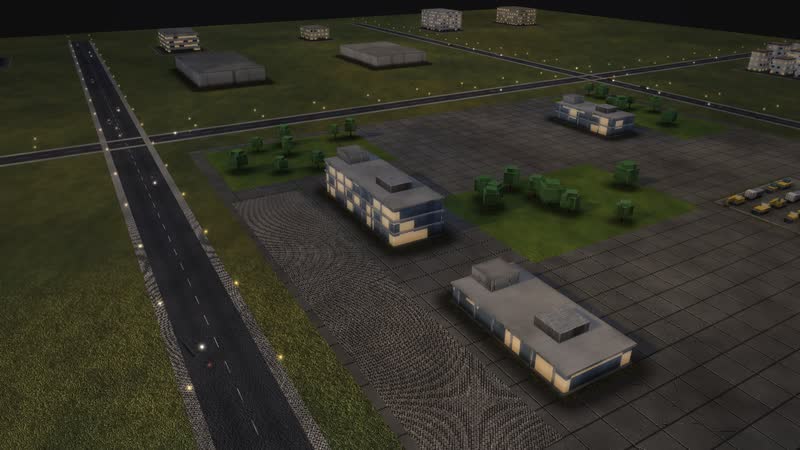
Office building in evening light – golden arcs show who reports to whom. -
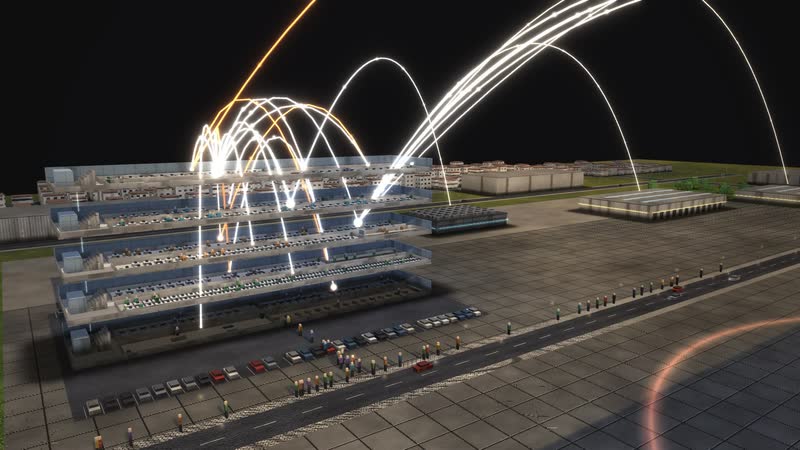
Just before eight – people stream from the car park and the street into the buildings. -
Blue hour – the windows of HEIMVELT HAUSTECHNIK light up. -
At night from above – Office building opened up, data lines glowing across the site. -
Office building opened up – every floor with workplaces and people. -
Dusk, performance view – rings of light show how busy each department is. -
Looking into the floor of Service technicians – rows of desks, the floors above as outlines of light. -
A room of its own – Heating and heat pumps. -
Training centre opened up – every floor with workplaces and people. -
Vehicle fleet – all floors at once, performance view. -
Structure at dusk – golden arcs from every floor to the buildings reporting to it. -
Collaboration – Service technicians with all 8 relations – to departments, buildings and partners. -
Data flows at night – systems and users linked by glowing lines. -
Data flows at dusk – which department uses which system. -
Structure across the whole site – reporting lines between the buildings. -
The whole network at night – collaboration inside and far beyond. -
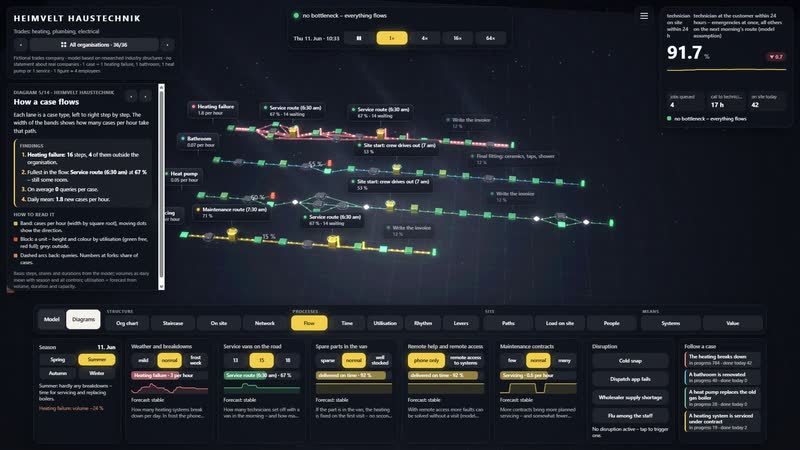
Every step labelled – name, how many are waiting, utilisation. -
Following one case – ‘The heating breaks down’ – step by step through the building. -
Cold snap – resources view, the backlog grows floor by floor. -
Dispatch app fails – the data arcs turn red, work stalls. -
The lever – Service vans on the road set to ‘18’ – a flash shows where it acts. -
Spring at HEIMVELT HAUSTECHNIK – Office building opened up, rings show the workload. -
Summer evening – warm light, long shadows, golden arcs above the square. -
Autumn – leaves on the paths, performance view. -
Winter evening – snow on the site, Office building open and lit, collaboration glowing. -
Diagram ‘Who works with whom’, calculated live from the model. -
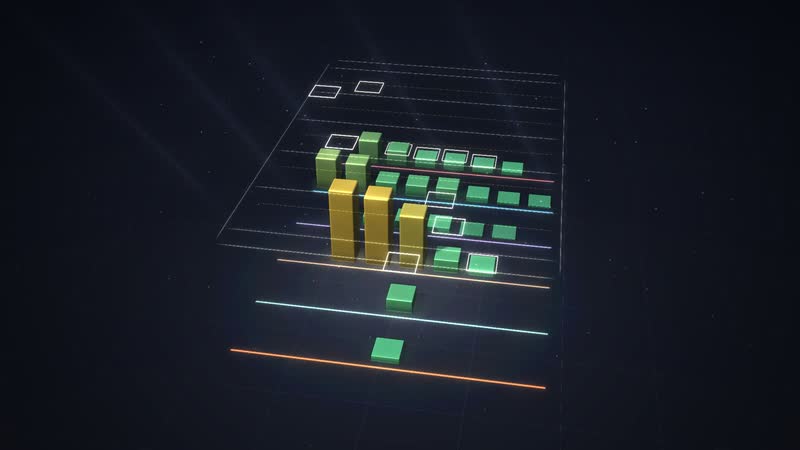
Diagram ‘Year, week, day’, calculated live from the model. -
Diagram ‘Management levels as a staircase’, calculated live from the model. -
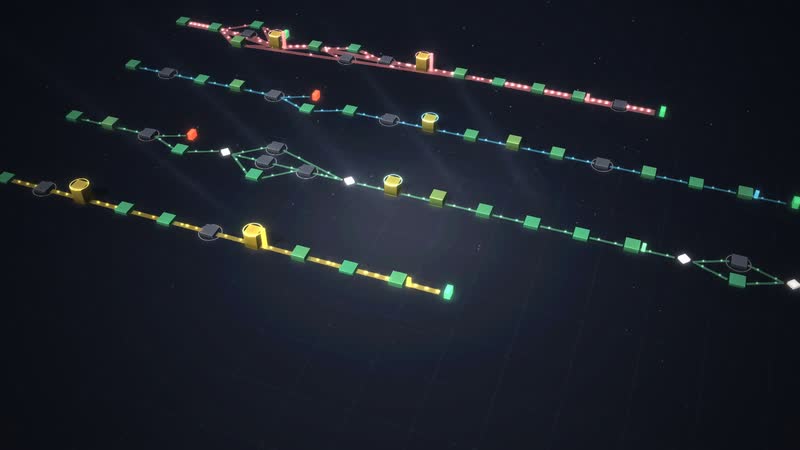
Diagram ‘How a case flows’, calculated live from the model. -
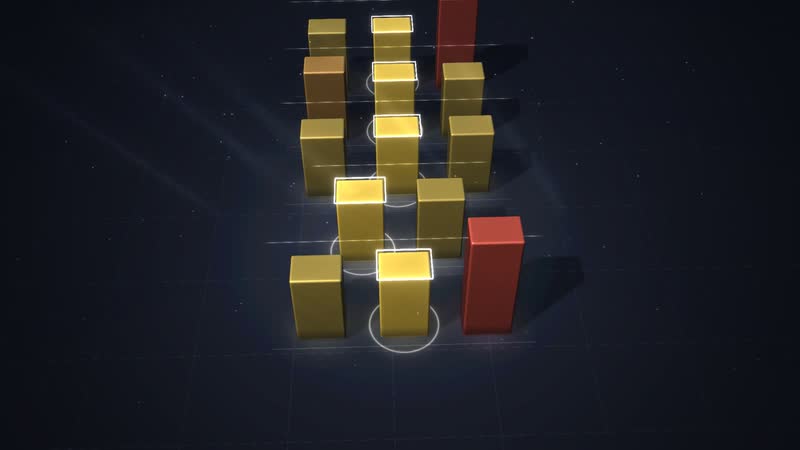
Diagram ‘What each control does’, calculated live from the model. -
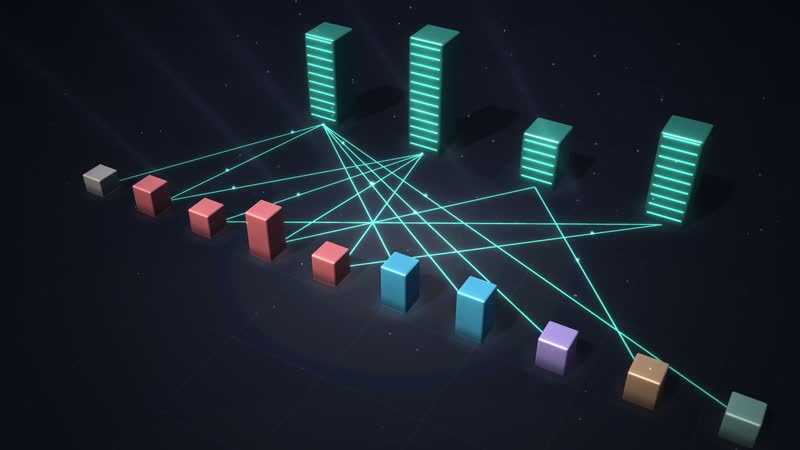
Diagram ‘What the work depends on’, calculated live from the model. -
Diagram ‘Where it gets tight’, calculated live from the model. -
Diagram ‘Who leads whom’, calculated live from the model. -
The whole software – situation, key figure, time, views and the controls below. -
Office building selected – floor list on the right, the floors drift apart. -
Service technicians – card with task, location and all relations. -
Cold snap triggered – timeline, key figure and bottleneck react. -
Countering – Service vans on the road increased – the tile shows the effect since the change. -
Diagram ‘How a case flows’ with its panel – findings in sentences. -
Diagram ‘Who works with whom’ with its panel. -
Follow a case – step, waiting time and target on the card. -
The tour leads through the software in eight steps. -
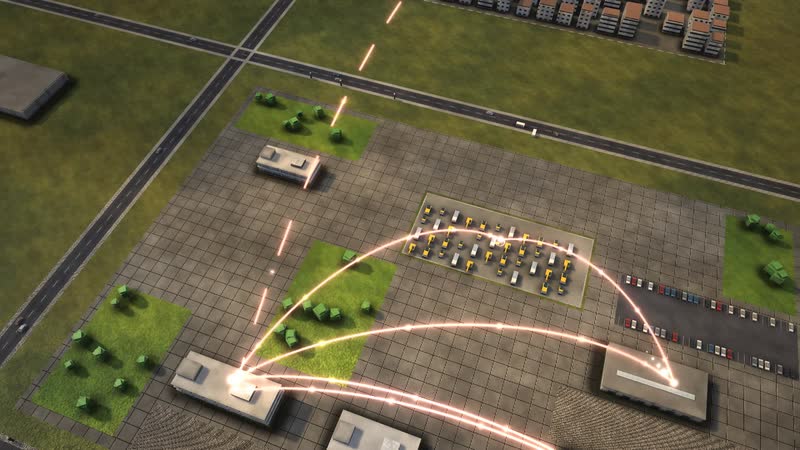
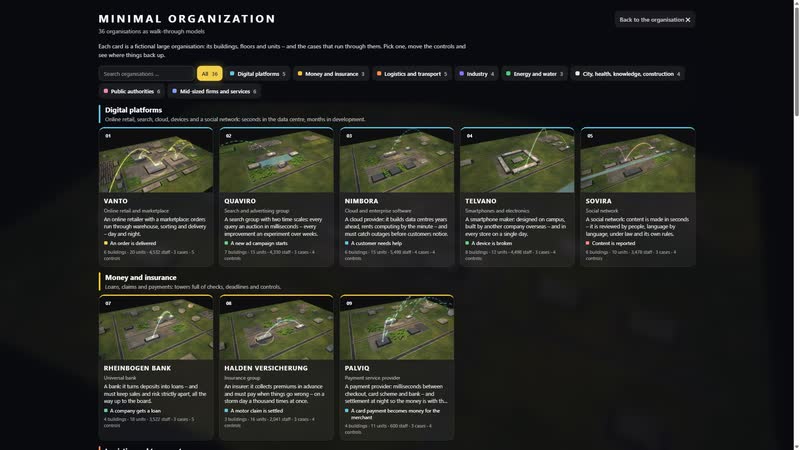
36 organisations to choose from, each with its own picture.

Your business as a model
Would you like to see your own firm with its vans, stores and technicians like this? Call or write to us. We will discuss which data from your trade software and dispatch app fit. Password on request – then you can look at the model yourself.
cube4tec.de/spiele/minimal-organization/
Ask about this
Minimal Organization: Handwerksbetrieb
Basis and limits
Fictional trades company · model based on researched industry structures · no statement about real companies
1 case = 1 heating failure, 1 bathroom, 1 heat pump or 1 service · 1 figure ≈ 4 employees
All volumes, durations, rates and capacities are model assumptions, not values of a real company.
About 56 breakdown calls a day (many more in winter), 15 service vans with 58 slots per morning route in total, 72 % of repairs succeed with the part in the van.
The "within 24 hours" target applies here to the technician on site, not to the completed repair; emergencies go at once. Customers' preferred later dates (5 %) count too.
Documented: master requirement for heating/plumbing and electrical, material via the wholesaler, subsidy application before the project starts, heat pump registration with the grid operator; the 65 % rule was dropped by the 2026 building modernisation act (check current status).
Public sources the model is based on:
- Handwerksordnung, Anlage A
- Zentralverband Sanitär Heizung Klima (ZVSHK): Branchendaten
- Zentralverband der Elektro- und Informationstechnischen Handwerke (ZVEH): Branchenkennzahlen
- KfW: Heizungsförderung für Privatpersonen (Zuschuss 458)
- Gebäudemodernisierungsgesetz (Änderung des GEG, Heizungsregeln in Kraft seit 29.07.2026)
- Energiewirtschaftsgesetz § 14a; Niederspannungsanschlussverordnung § 19
- Schornsteinfeger-Handwerksgesetz
- Dreistufiger Vertriebsweg Hersteller – Großhandel – Handwerk (Fachpresse SHK)
Similar business models
-
Housing company
A municipal housing company as a walkable model: what happens after a tenant reports a cold radiator, who repairs it and what speeds up the fix.
-
Car dealership
A franchised car dealership with workshop as a walkable model: how a car gets from reception to handover in one day and where lifts, parts or inspections slow it down.
-
Electricity grid operator
A grid operator as a walkable model: see how a solar system or heat pump gets connected and when grid planning becomes the bottleneck.
-
Special machine builder
A family-owned special machine builder as a walkable model: how a custom packaging line moves from enquiry to site acceptance and where the 28 weeks go.
-
Energy supplier
An energy group without its own grid as a walkable model: supplier switching within 24 hours, power trading until noon, and gas, wind and solar on one site.
-
Industrial bakery
An industrial bakery with 120 shops as a walkable model: how rolls get from the night plan to the counter by 6 am and where oven, proofer or routes hold them up.
-
Hotel
A city and conference hotel as a walkable model: how a room gets from check-out at 11 to check-in at 3 pm and where cleaning, inspection or front desk run out of time.
-
Online retail
An order from click to doorstep as a walkable model: payment check, warehouse, packing, trucks, sortation and delivery in a running simulation.
All data are fictional, including call volumes and success rates. Adapted to your firm's real data, the model shows what nobody sees at a glance today – for example the first-visit fix rate per technician and part, or the stock in each van.